Can I change the status of my offers in bulk?
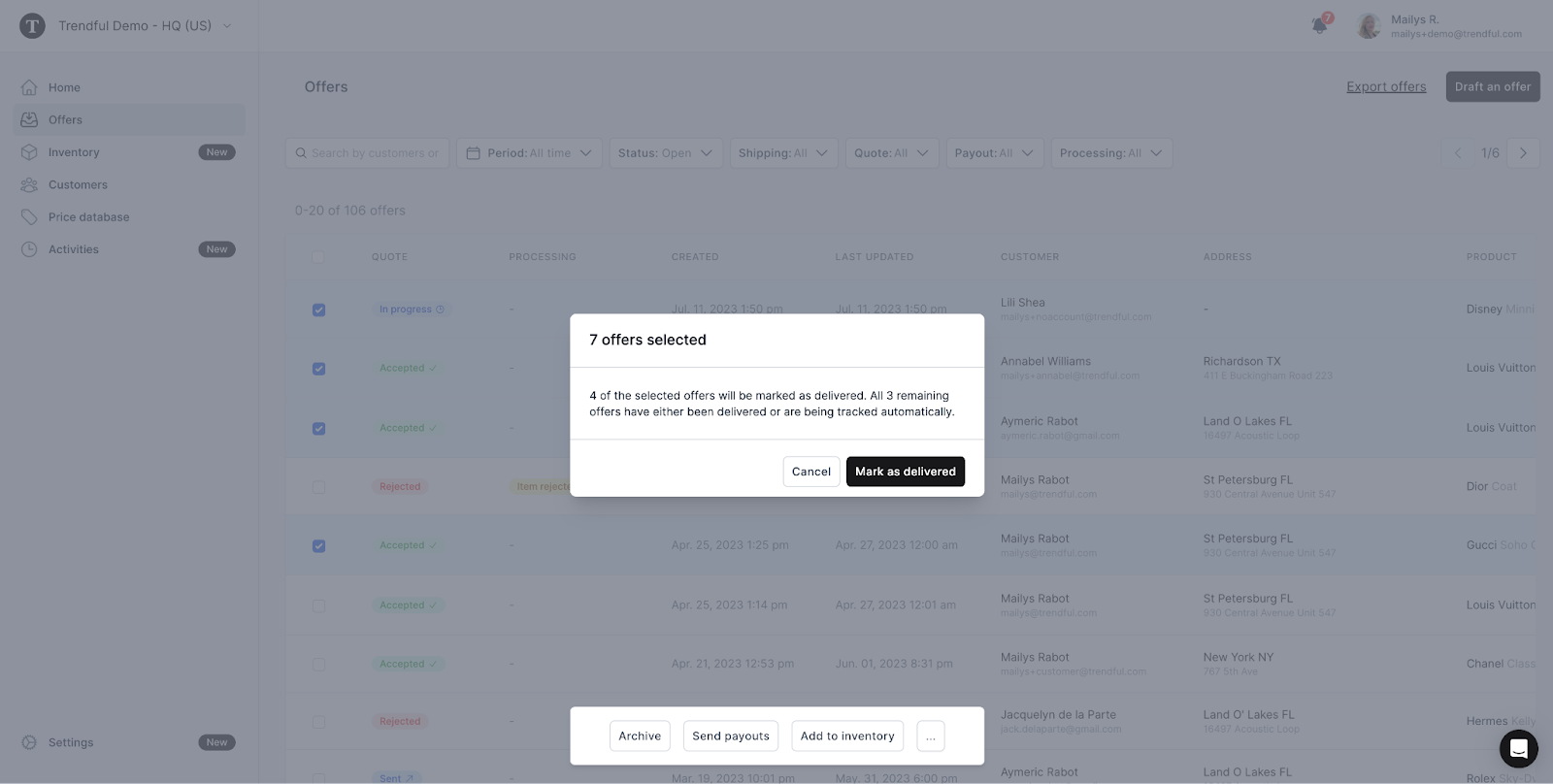
Yes, with the bulk action feature, you can archive several offers at once, or mark them as accepted, expired, delivered or paid. Simply select the offers you wish to change the status for and choose the corresponding action from the bulk action menu.
Be aware that certain conditions may prevent you from manually changing the status of some items. For instance, you can use the bulk action feature to mark multiple items as delivered, but only if these items haven't been previously marked as delivered or if they aren't currently subject to automatic tracking.
More about Offer Management System
Still stuck? Get in touch or browse all 144 answers.