How can I list a product to Shopify?
To list a product to Shopify, click “More Actions” and then "List on Shopify" on the product details page.
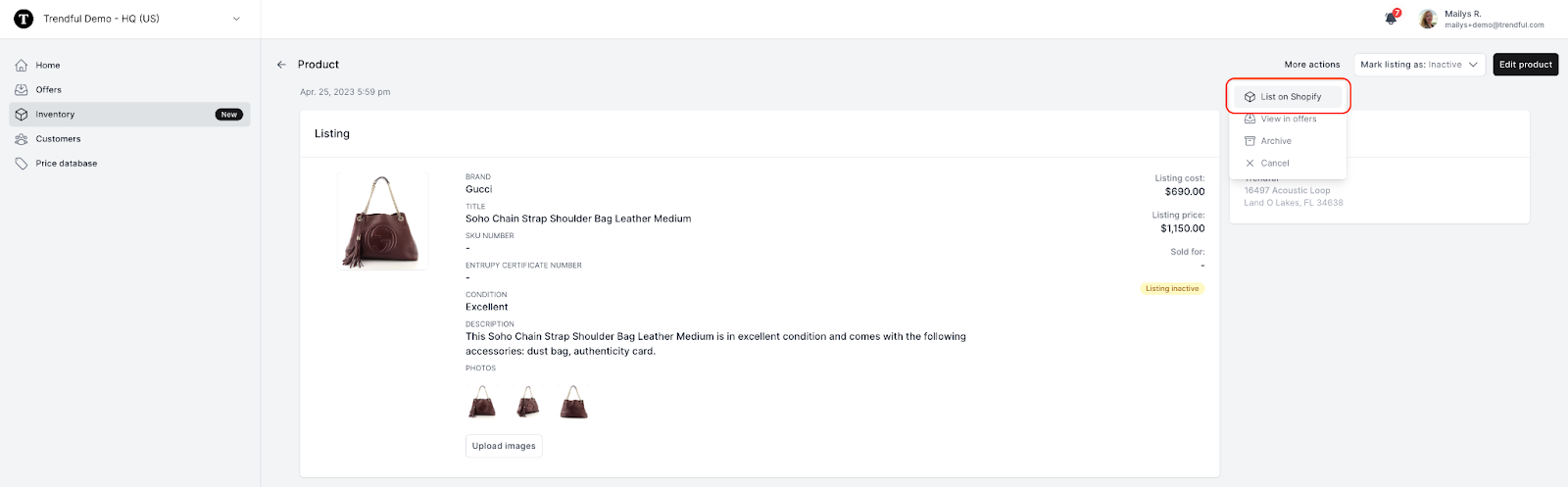
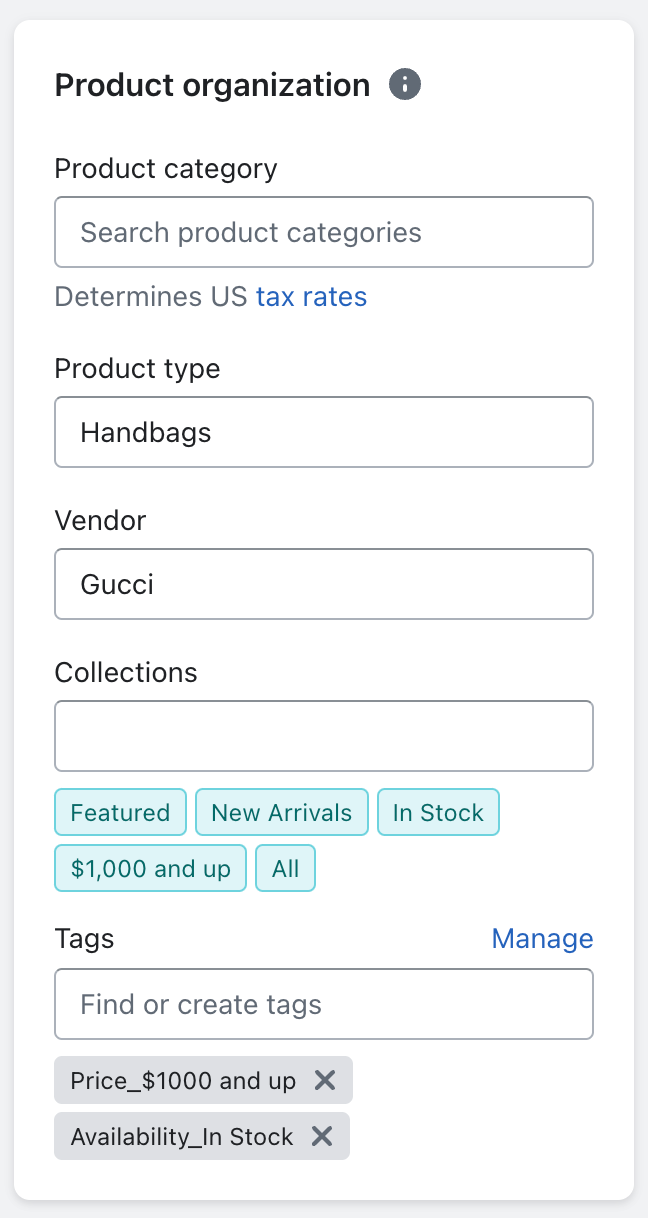
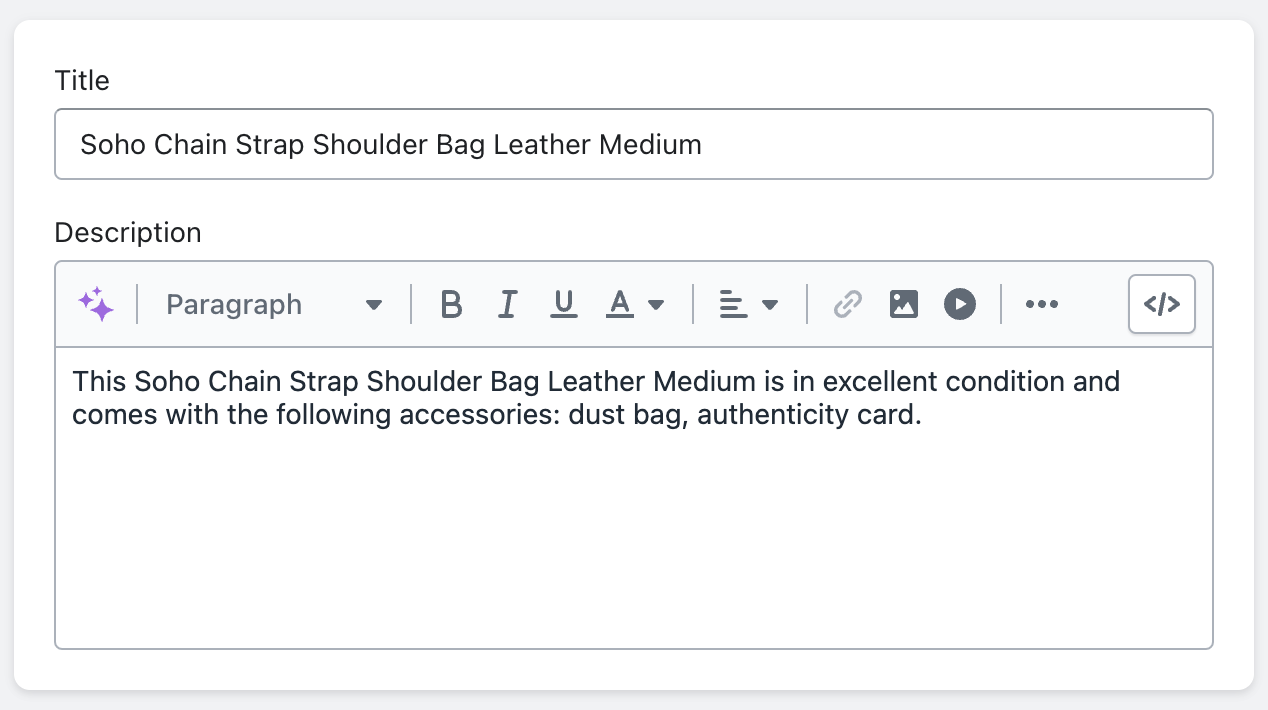
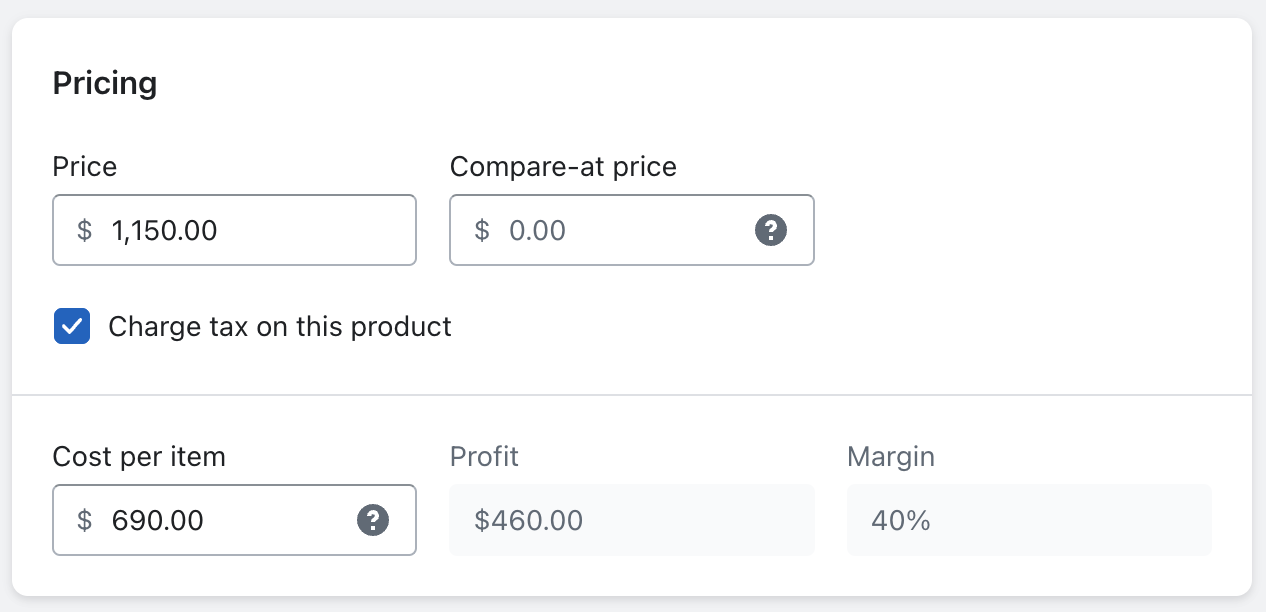
This automatically creates the product as a draft in your Shopify store, with the following information:
- Product category and vendor
- Product title and description
- Listing price, SKU number and cost
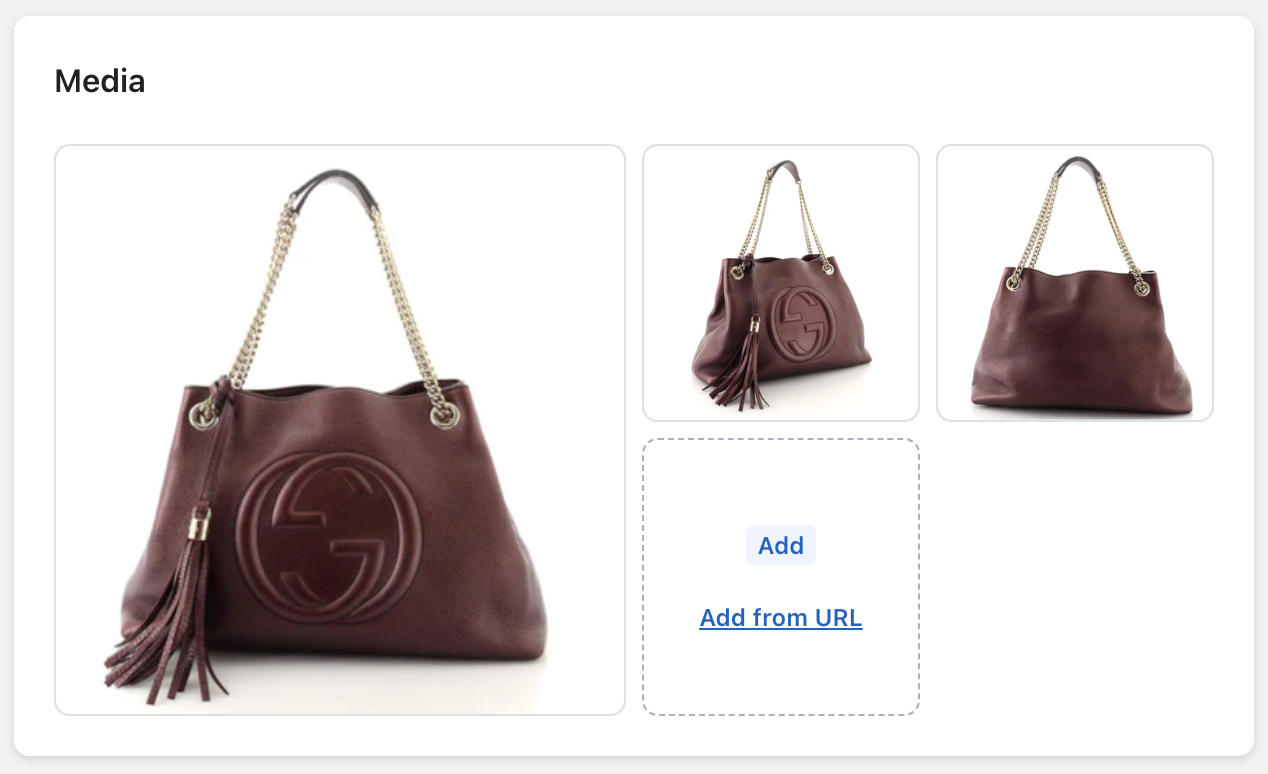
- Product pictures
More about Inventory Management System
- Can I change the status of my products in bulk?
- Can I send payouts in bulk?
- Can I use the bulk action feature to list products to Shopify?
- Do you have an inventory management system?
- Does my product listing automatically go live when I list to Shopify from Trendful?
- How can I navigate from the product to Shopify?
Still stuck? Get in touch or browse all 157 answers.