Integrate the form or app into your Wix website
Provide us with access to your website
On Wix, we add your resale app for you. You simply need to give us access to your website. Your resale app gets its own link on trendful.com, and our team sets it up for you once your Pro or Enterprise subscription is active.
- In your Dashboard, go to “Settings” > “Roles & permissions” (in the “General” section)
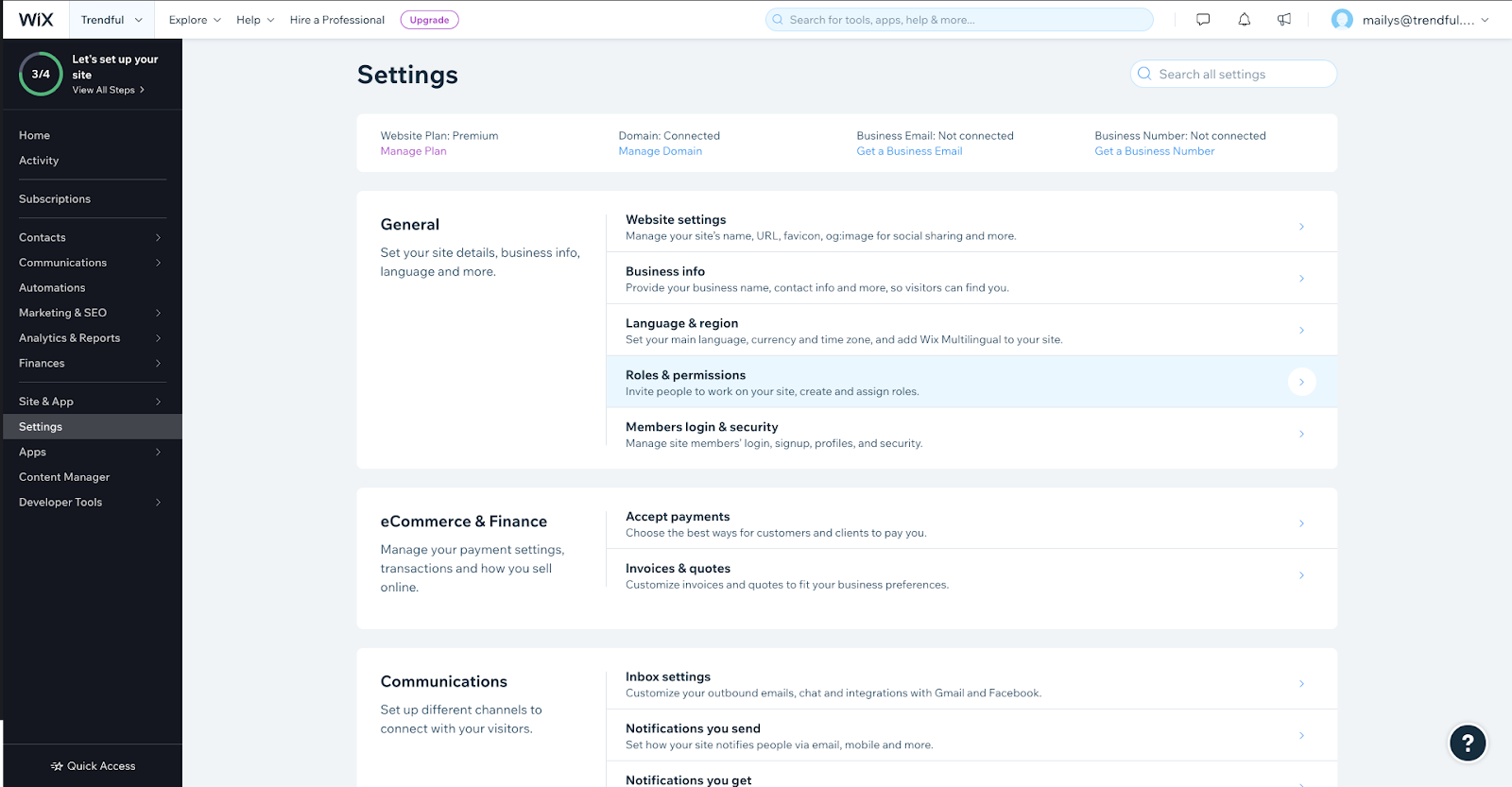
- Click on “Invite people” and add mailys@trendful.com with the “Website Designer” role
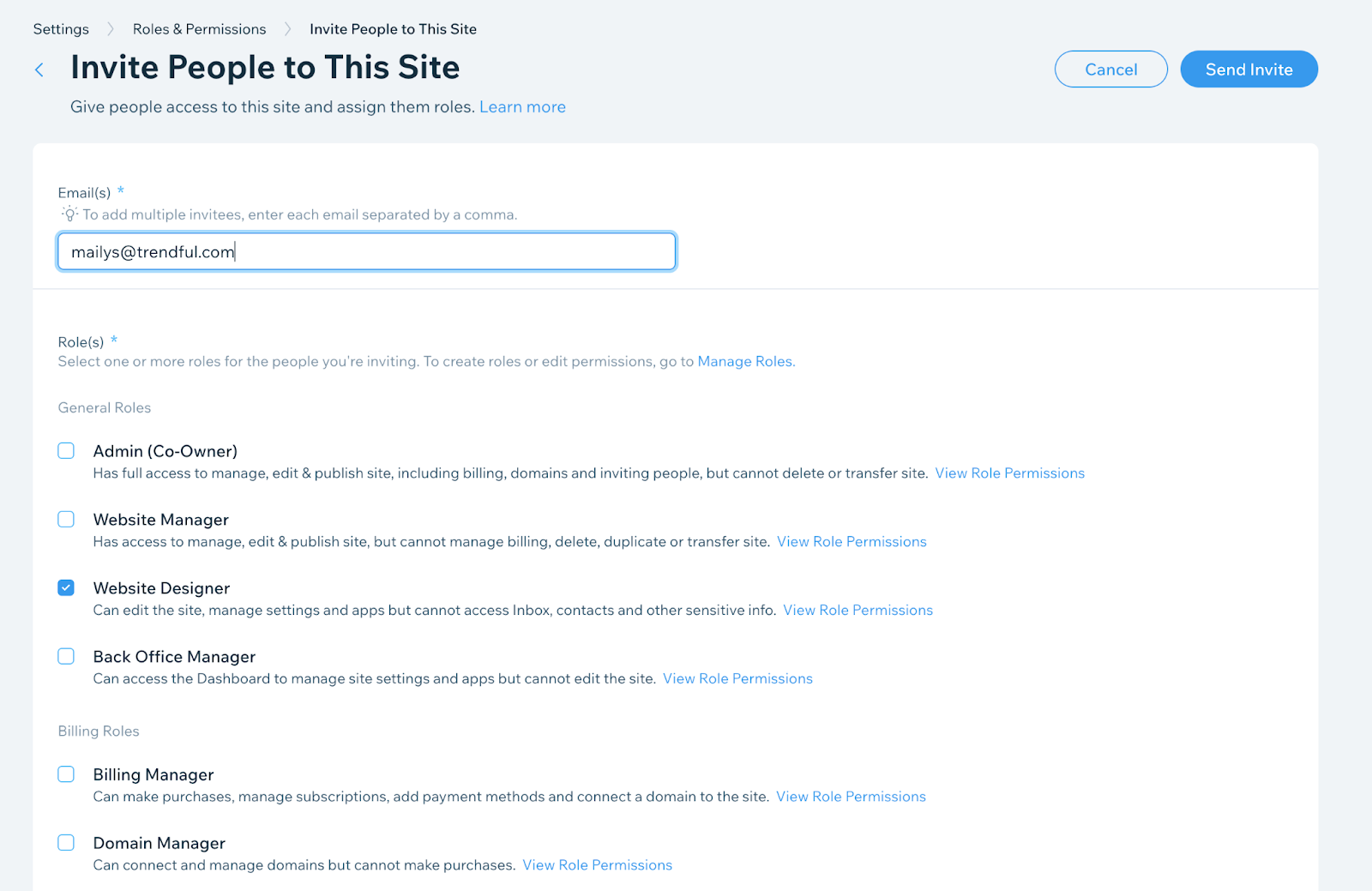
And we will add it for you! Once it's on your site, we check everything with you before your customers see it.
How to add a button
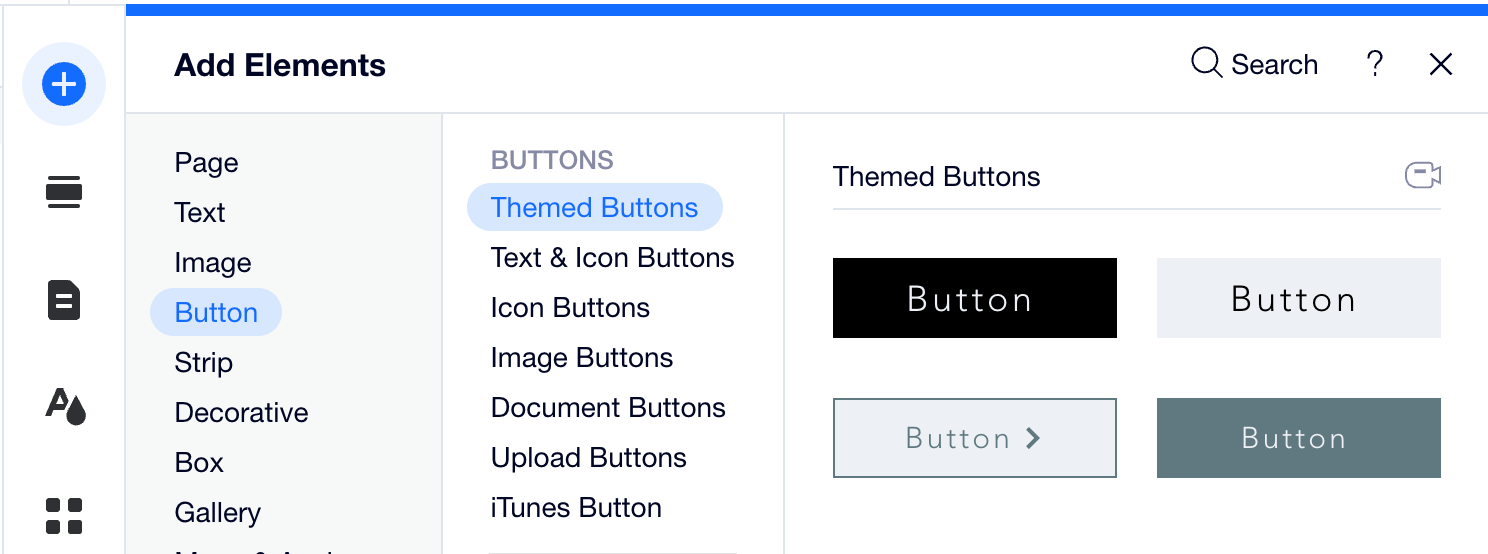
Once we've added your resale app, you can add more buttons that open it. Follow these steps:
- In your website editor, add a button element. You can place it anywhere on your website.
- Turn on Dev Mode
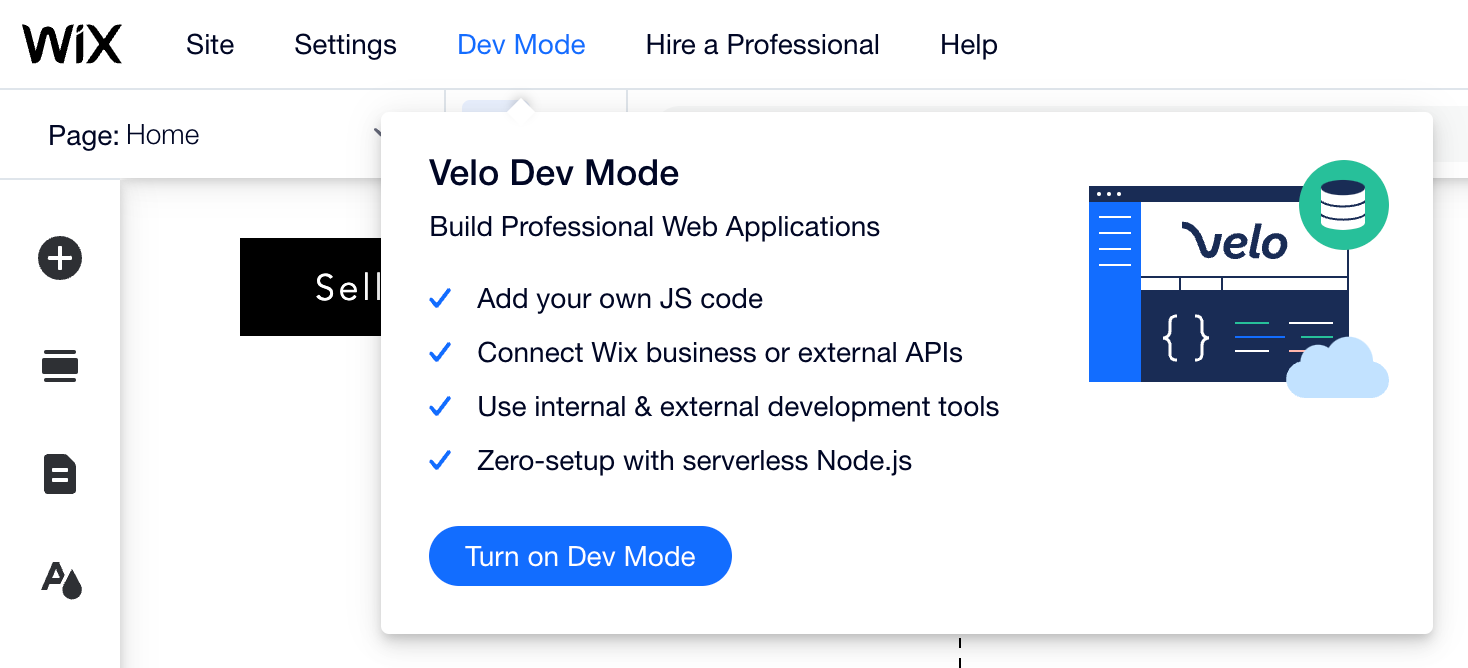
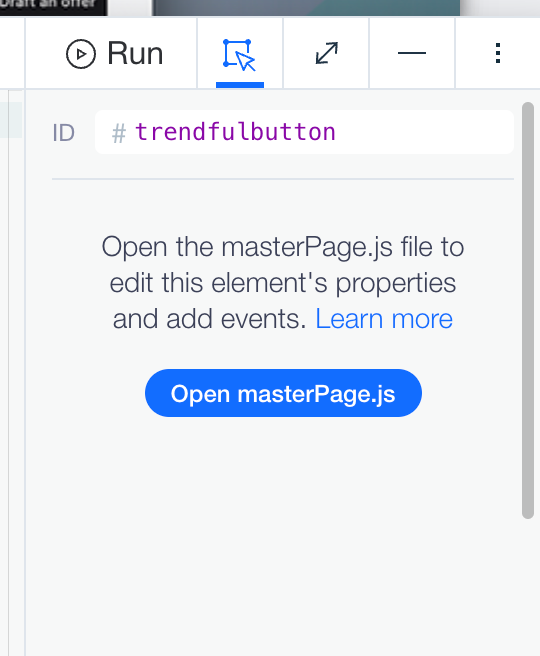
- Select the button and click on Open masterPage.js (bottom right of your window)
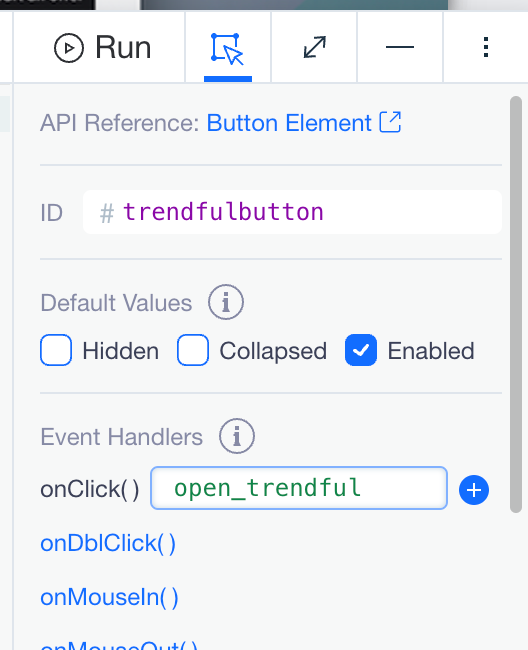
- Click on onClick() and rename it to open_trendful, then click on +. Then you can turn off Dev Mode.
These buttons open your resale app only.
Adding your sell form
To send customers to your sell form, copy its link in Settings → Preferences → Sell Form (on Pro and Enterprise, Sell Form & Resale App) and set it as the link of any Wix button. Questions? Contact us.