Can I generate shipping labels for draft offers and manual quotes?
The following steps must be done in order to generate shipping labels for your customers.
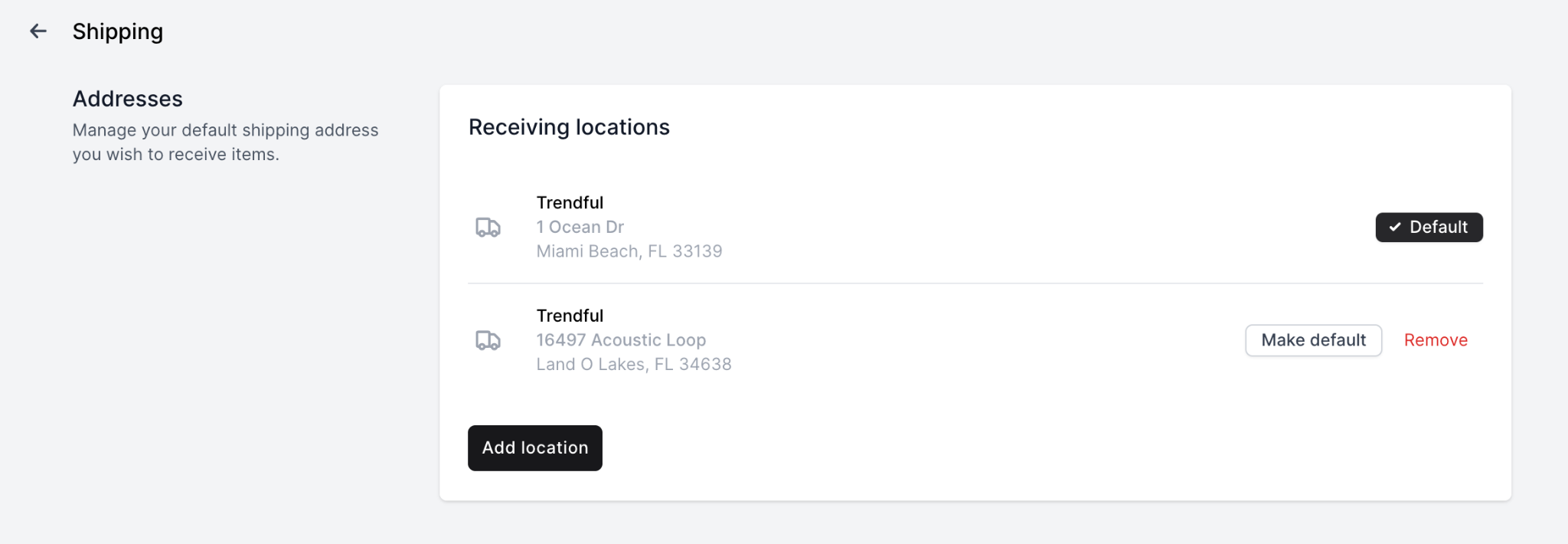
- Add a receiving location in Settings > ShippingYou can add multiple receiving locations and select your default location. You can always edit the address when creating a shipment.
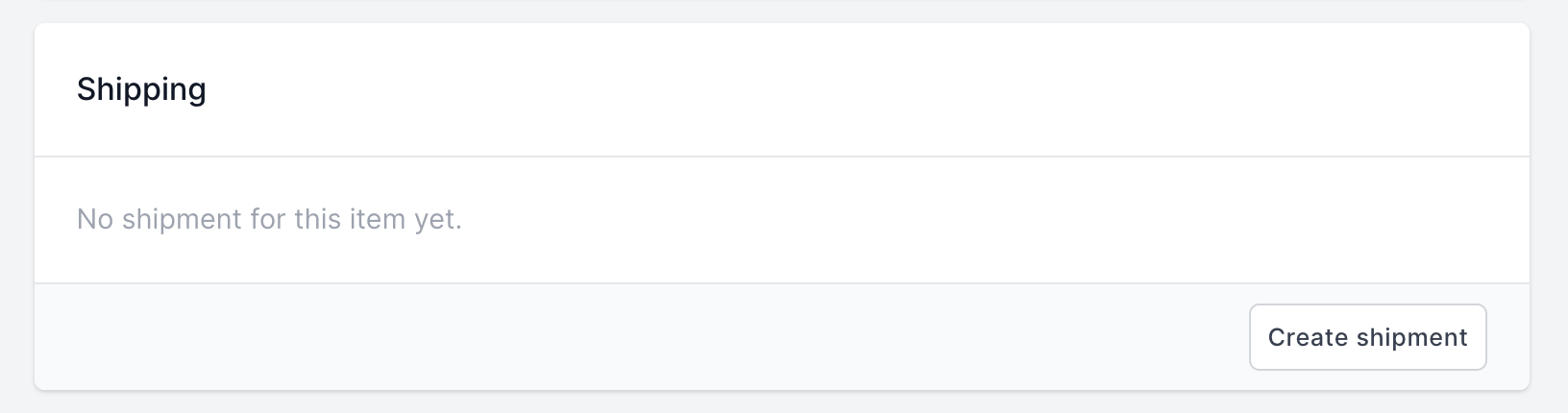
- Once you are in an offer, click on "Create Shipment"
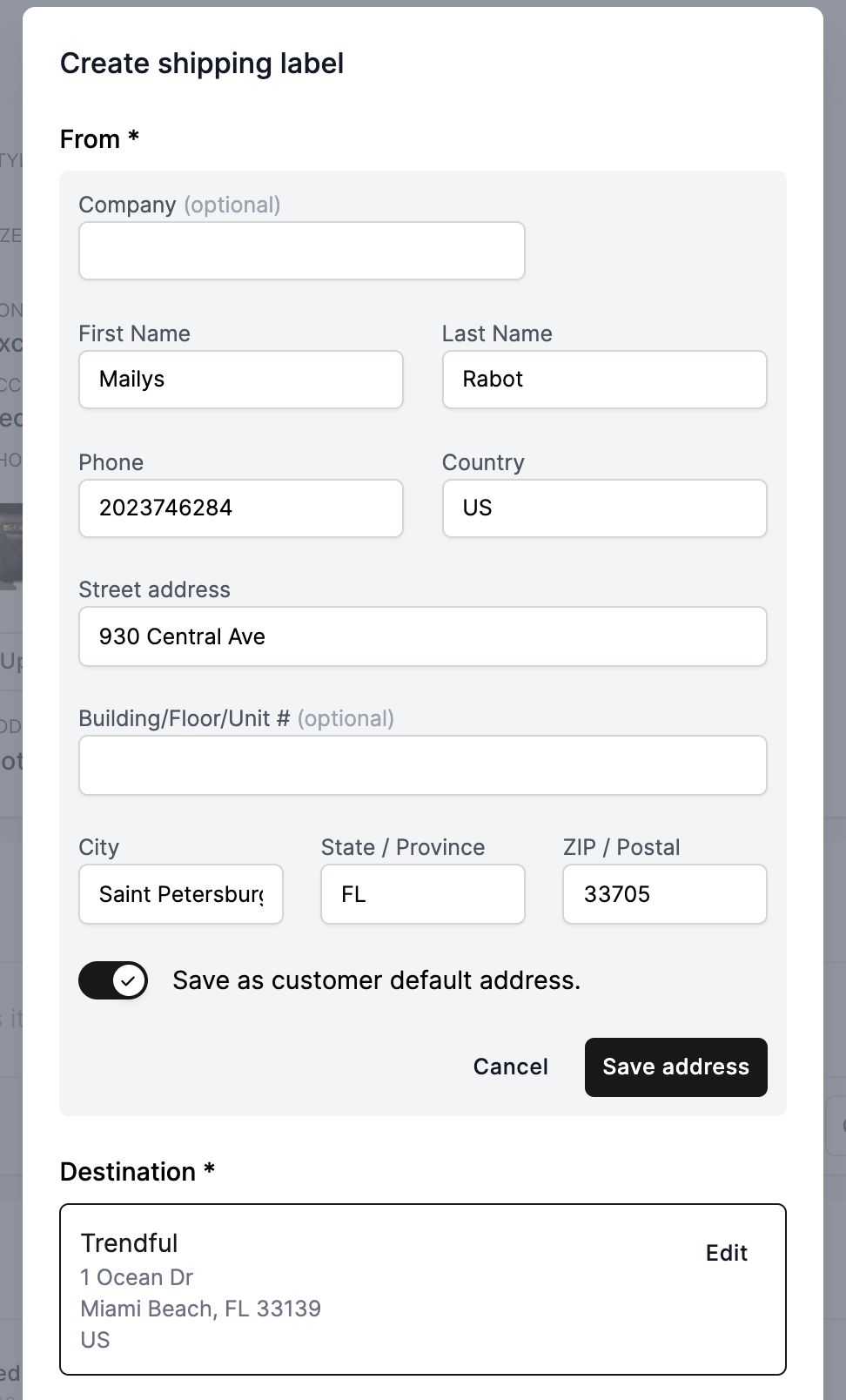
- Fill out/Edit the customer address either directly in your CRM or onto the offer when you create a shipment
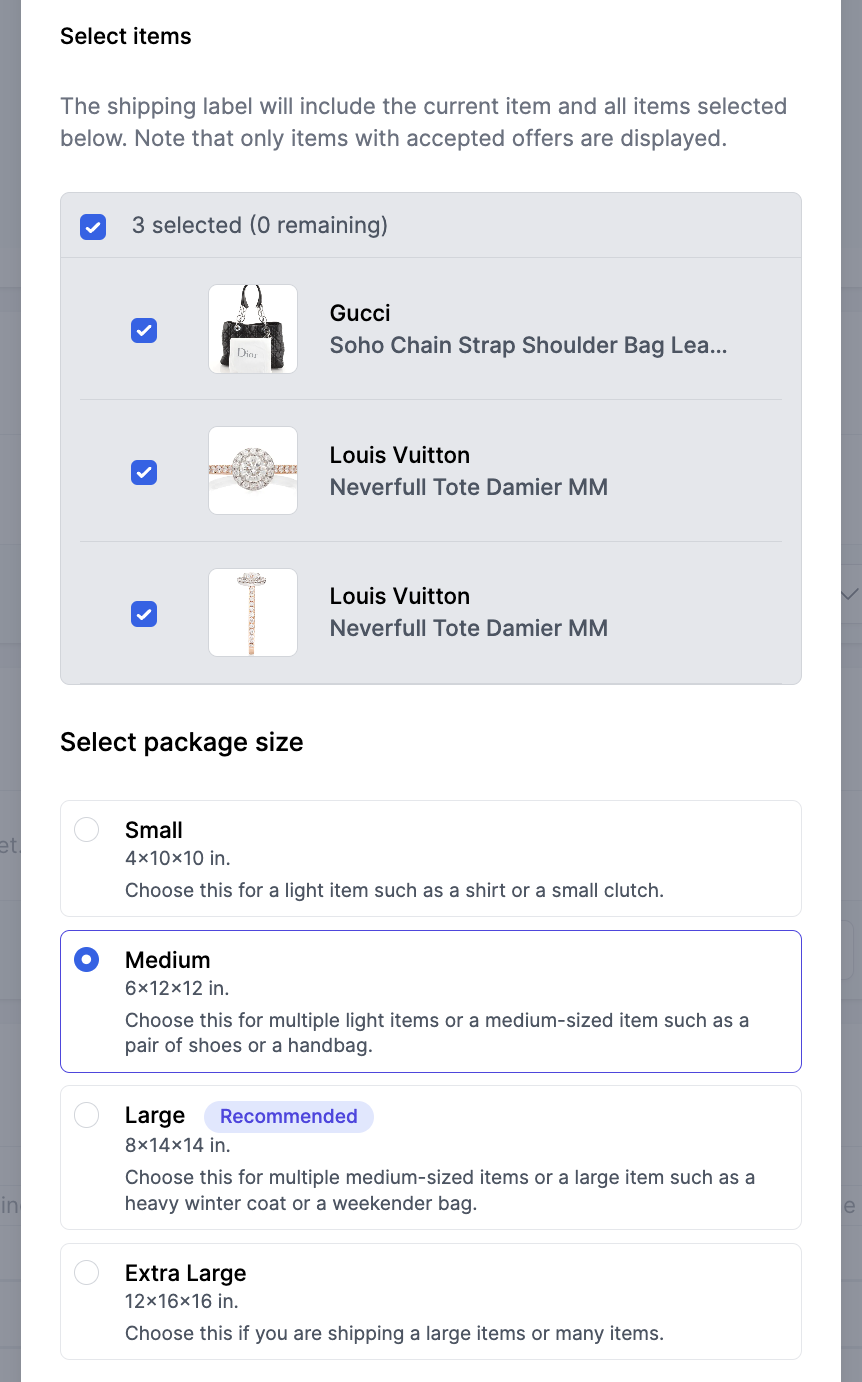
- You will be able to select additional items to include in the package and select the size of the package
- You will be able to select amongst the available shipping rates and choose to include insurance if wanted
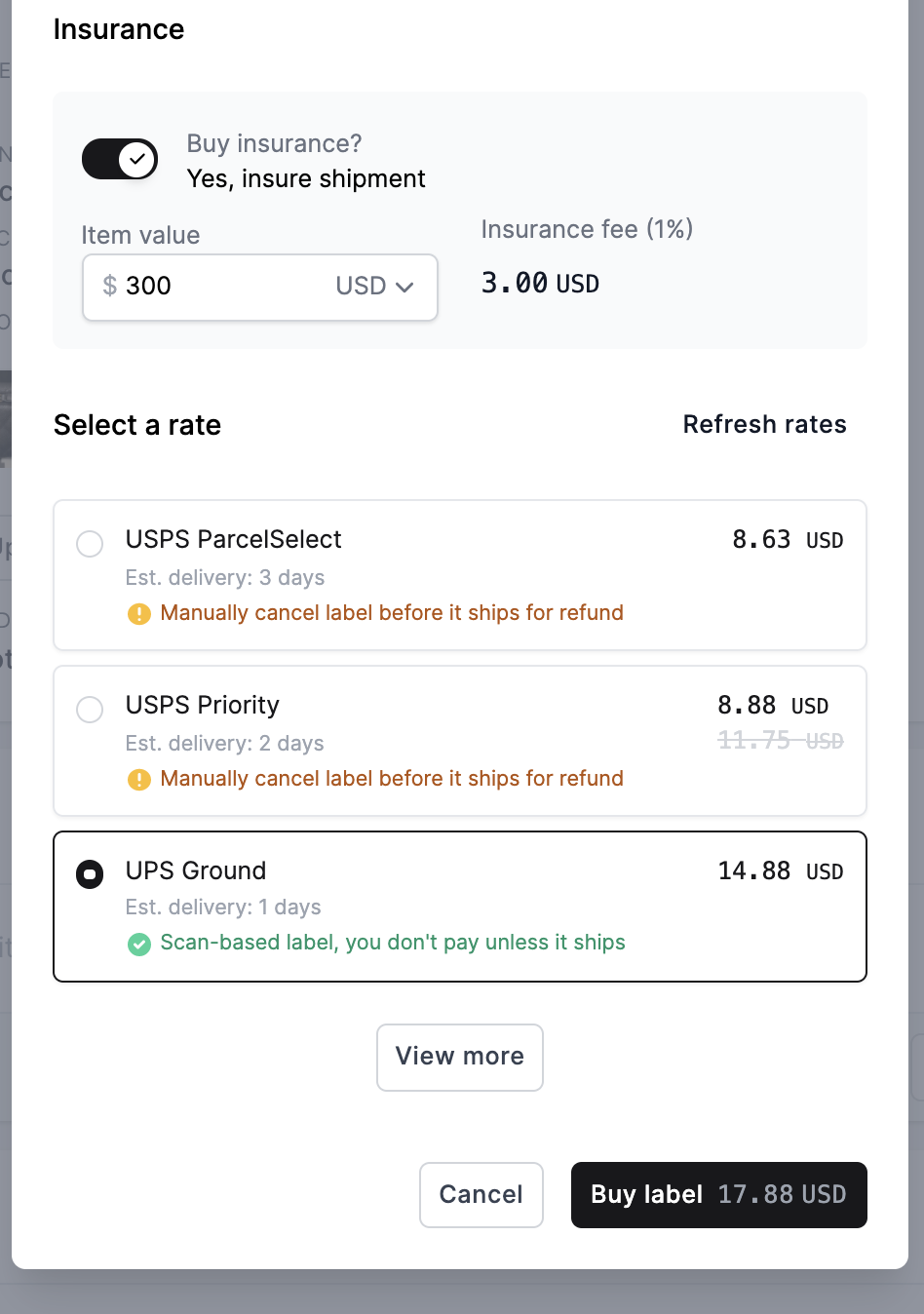
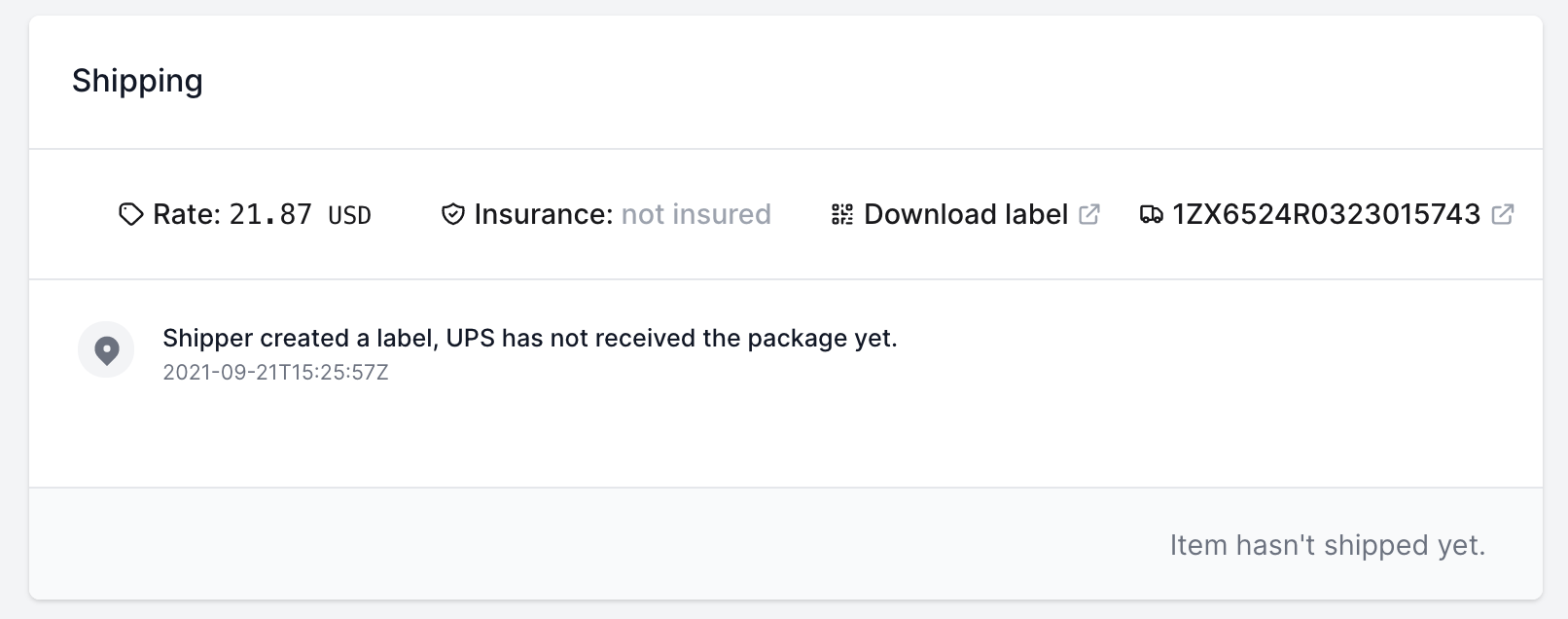
- Buy and send the shipping labelYou can directly send the label to your customer via email from your admin account.
More about Trendful Admin
- How can I change my email and/or password in my admin account?
- How do I change my profile name in my admin account?
- How do I change or add credit cards to my account?
- How do I change the email notifications I receive?
- How do I create a Trendful Admin account?
- How do I edit an instant offer and/or manual quote request?
Still stuck? Get in touch or browse all 144 answers.