Can I send the quote directly from my admin account to the customer?
Once you have created a quote for your customer’s item(s) you can send the quote directly to them from your admin account.
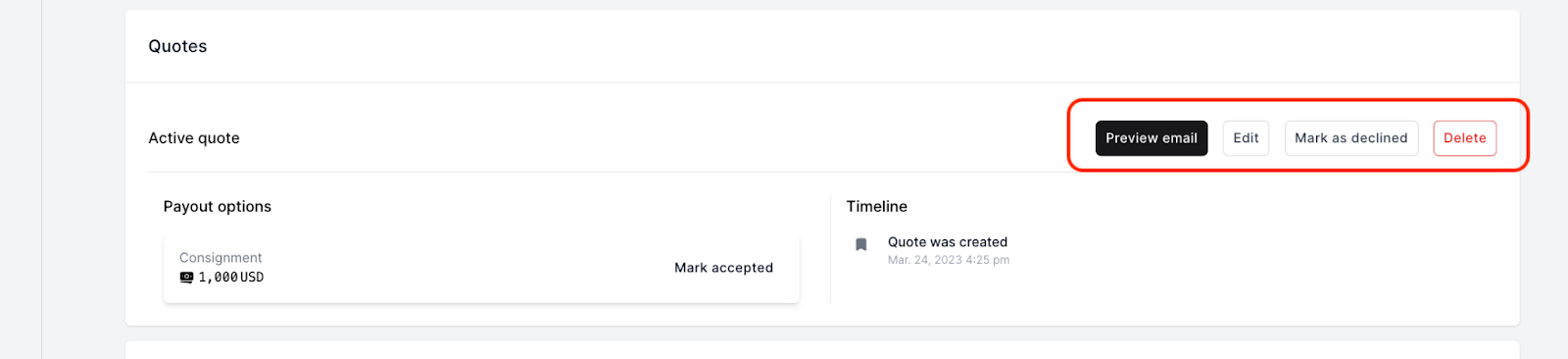
To send the quote via email to your customer, simply click “Preview email” on the quote section of the offer. (See the image example below)
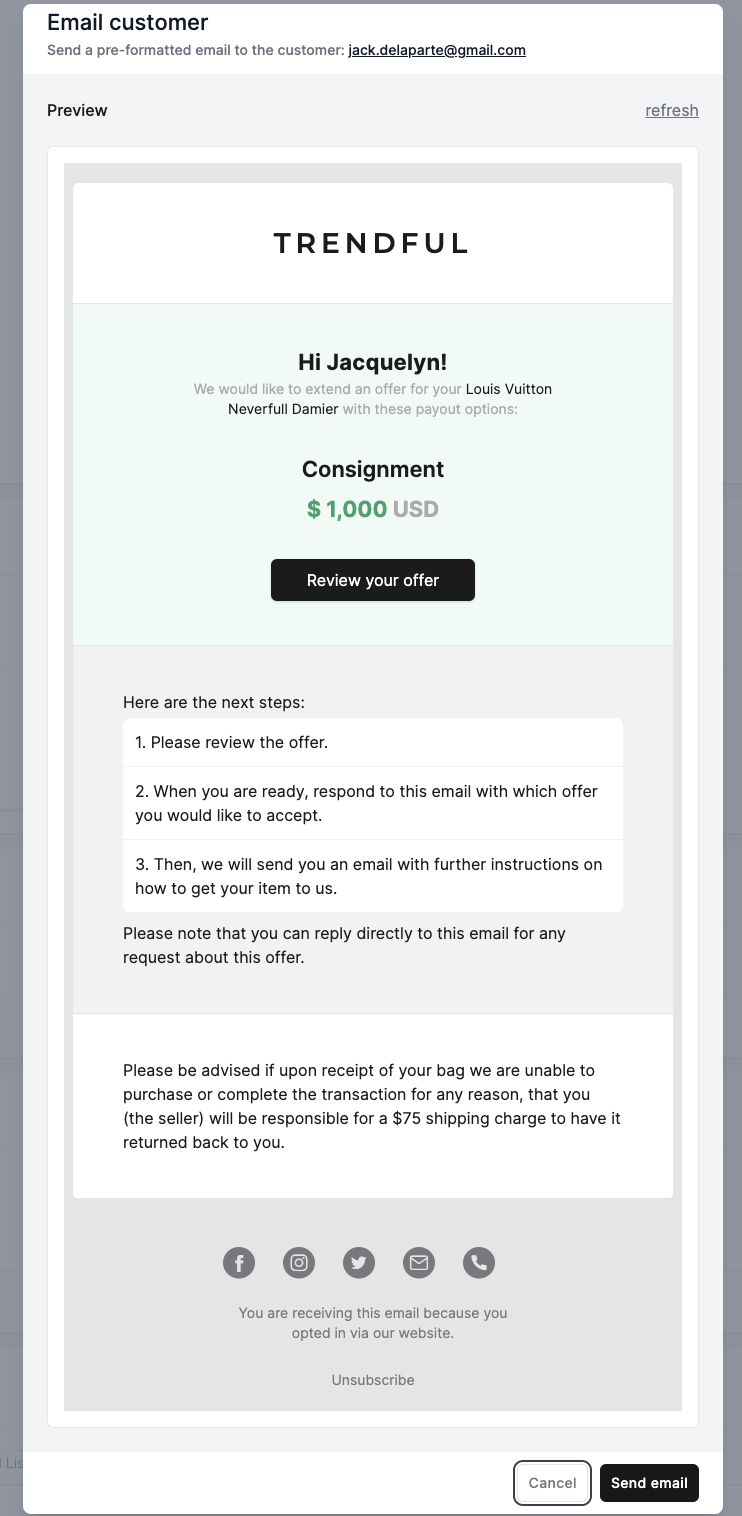
Once you click “Preview email” a pre-formatted email will pop up (see the image example below). Simply click “Send email” to send to your customer.
 Customers can either accept offers directly from the Resale App, or you can accept offers manually from the admin.
More about Offer Management System
Still stuck? Get in touch or browse all 144 answers.