How do I create a draft offer?
On the offer overview page, simply click “Draft an offer”. (see image example with button outlined in red below)

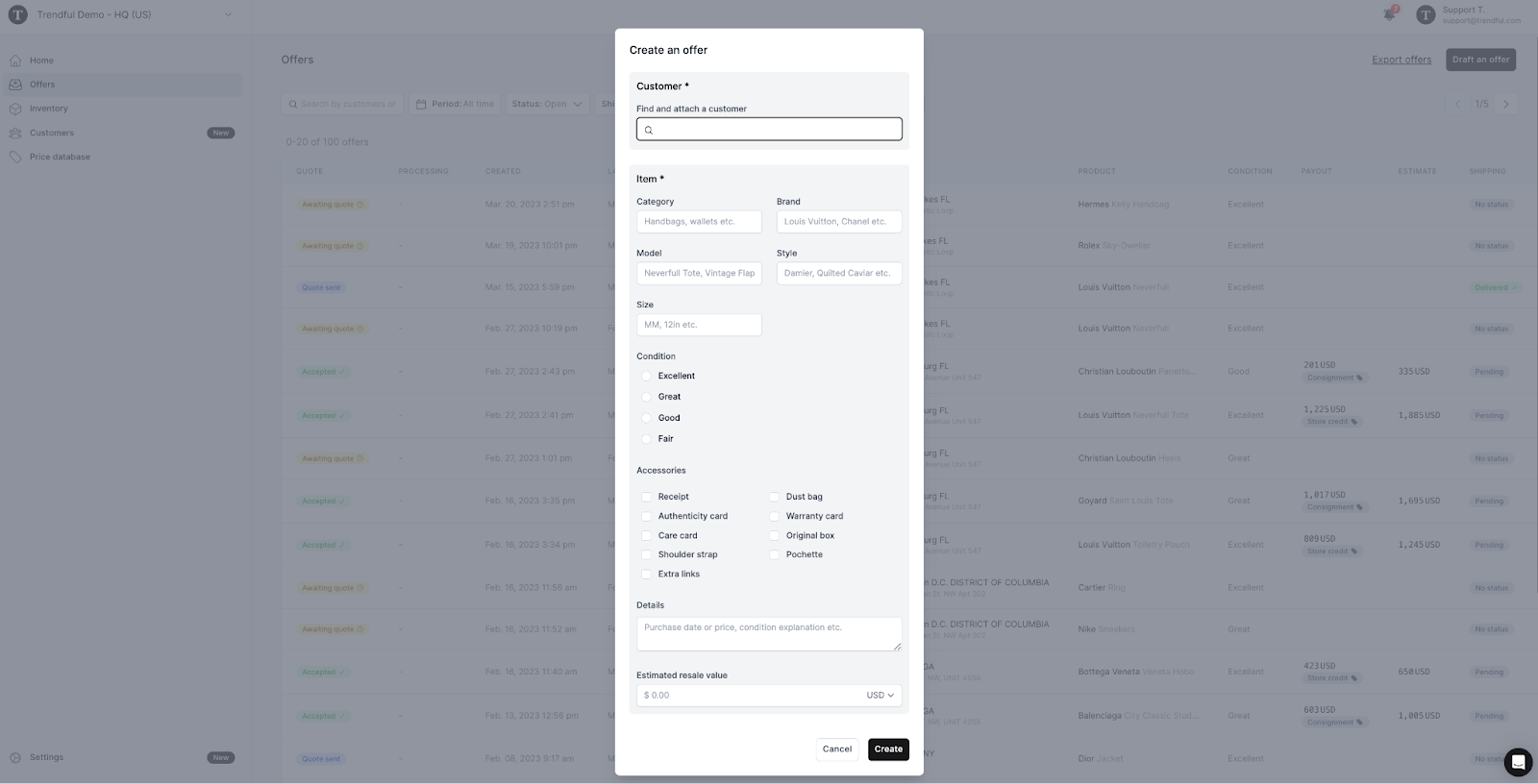
When you click the “Draft an offer” button a window will appear where you can create an offer for your customer (see image example below).
More about Offer Management System
Still stuck? Get in touch or browse all 144 answers.