How do I create a draft product?
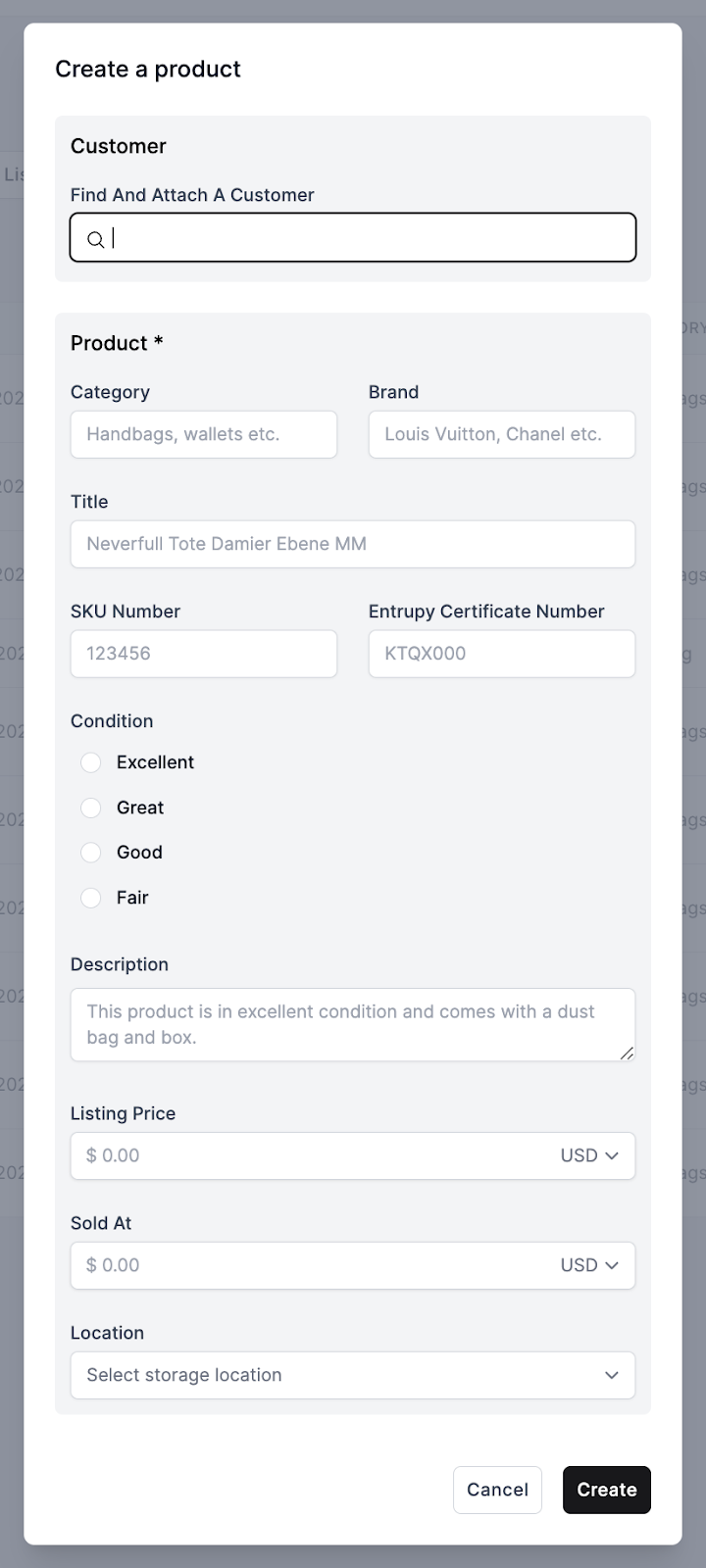
On the Inventory page, simply click “Draft a product” (see image example with button outlined in red below), fill in the necessary information for the product, and then save the product as a draft.

More about Inventory Management System
Still stuck? Get in touch or browse all 144 answers.