How do I know if the item has been shipped?
There are a couple of ways to know though your admin account the shipping status of an item:
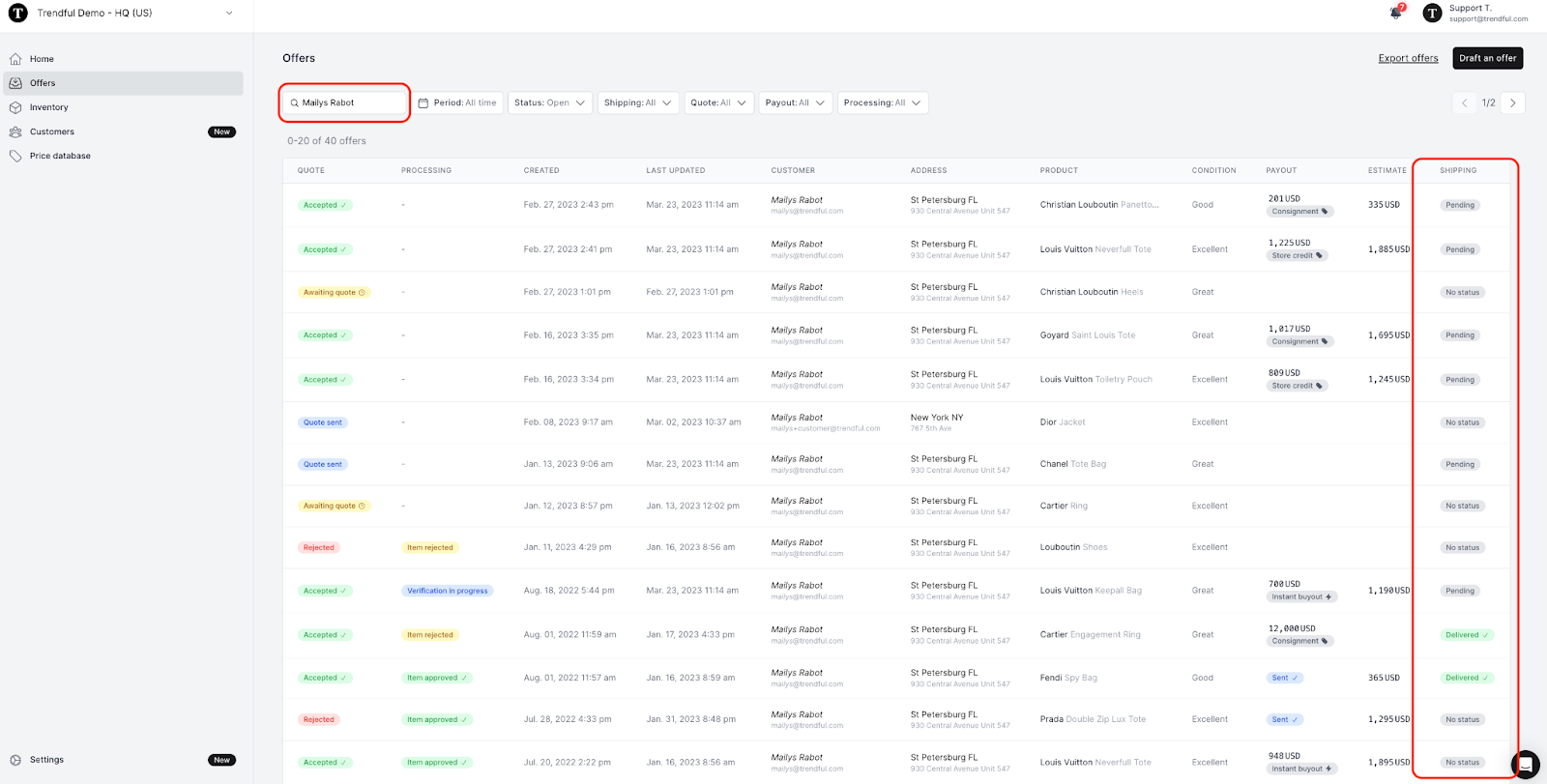
- If you know the customer’s name you can search at the top by customer name to find their offer (see the image below of how by searching by the customer name you can see a quick view of the customer’s shipping status for the items they are selling)
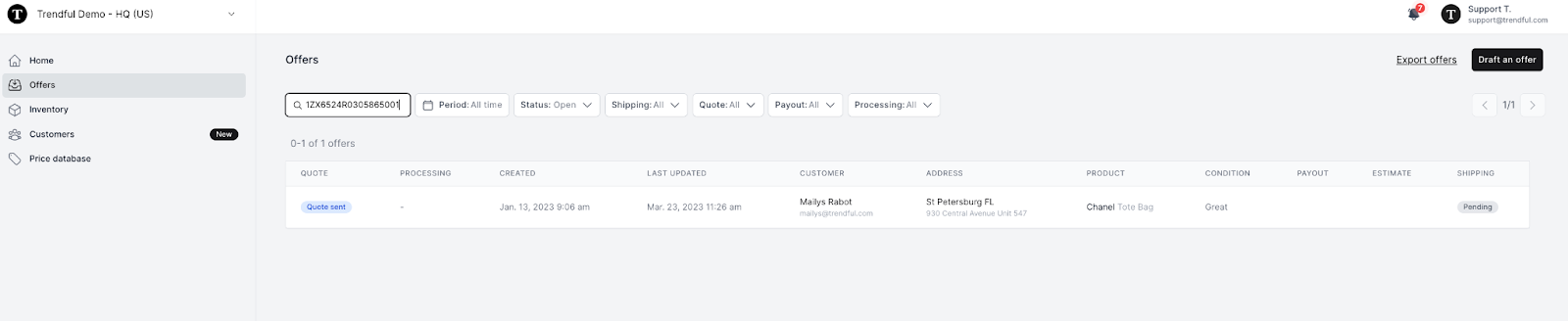
- You can also search by tracking number at the top of the overview page (see image below)
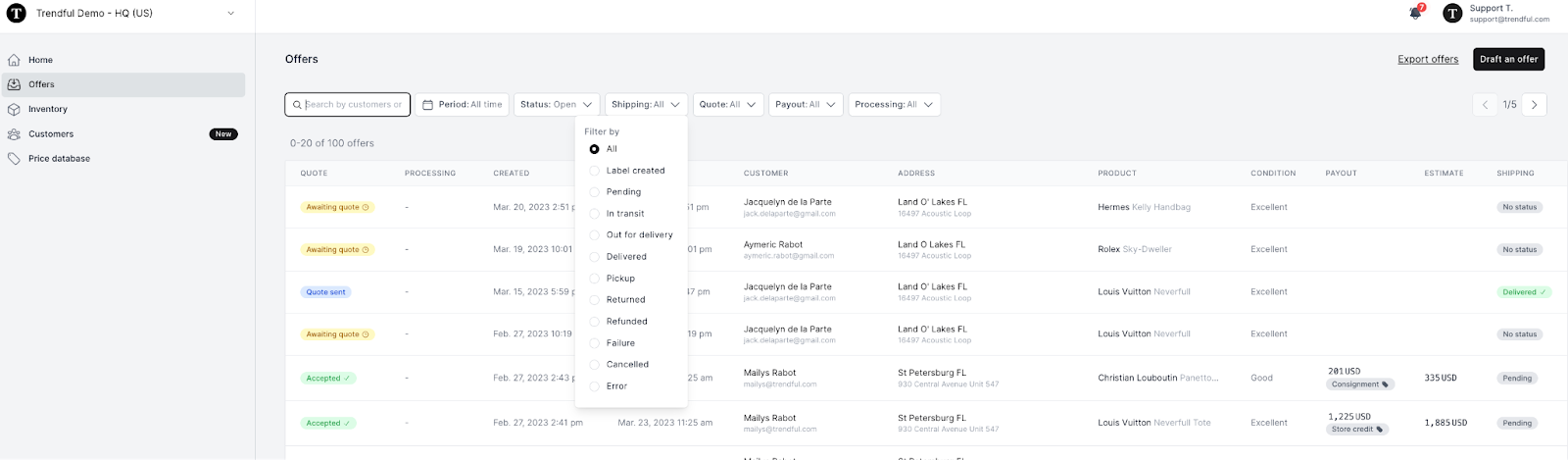
- Another way to find the shipping status of an item is by changing the “Shipping” status drop-down menu at the top of the offer overview page (see image example below)
In addition to having a quick status update on the offer overview page, if you click on a specific offer, you can have a more detailed timeline of the item’s shipping status.
More about Offer Management System
Still stuck? Get in touch or browse all 144 answers.