How do I use the bulk action feature to manage my offers?
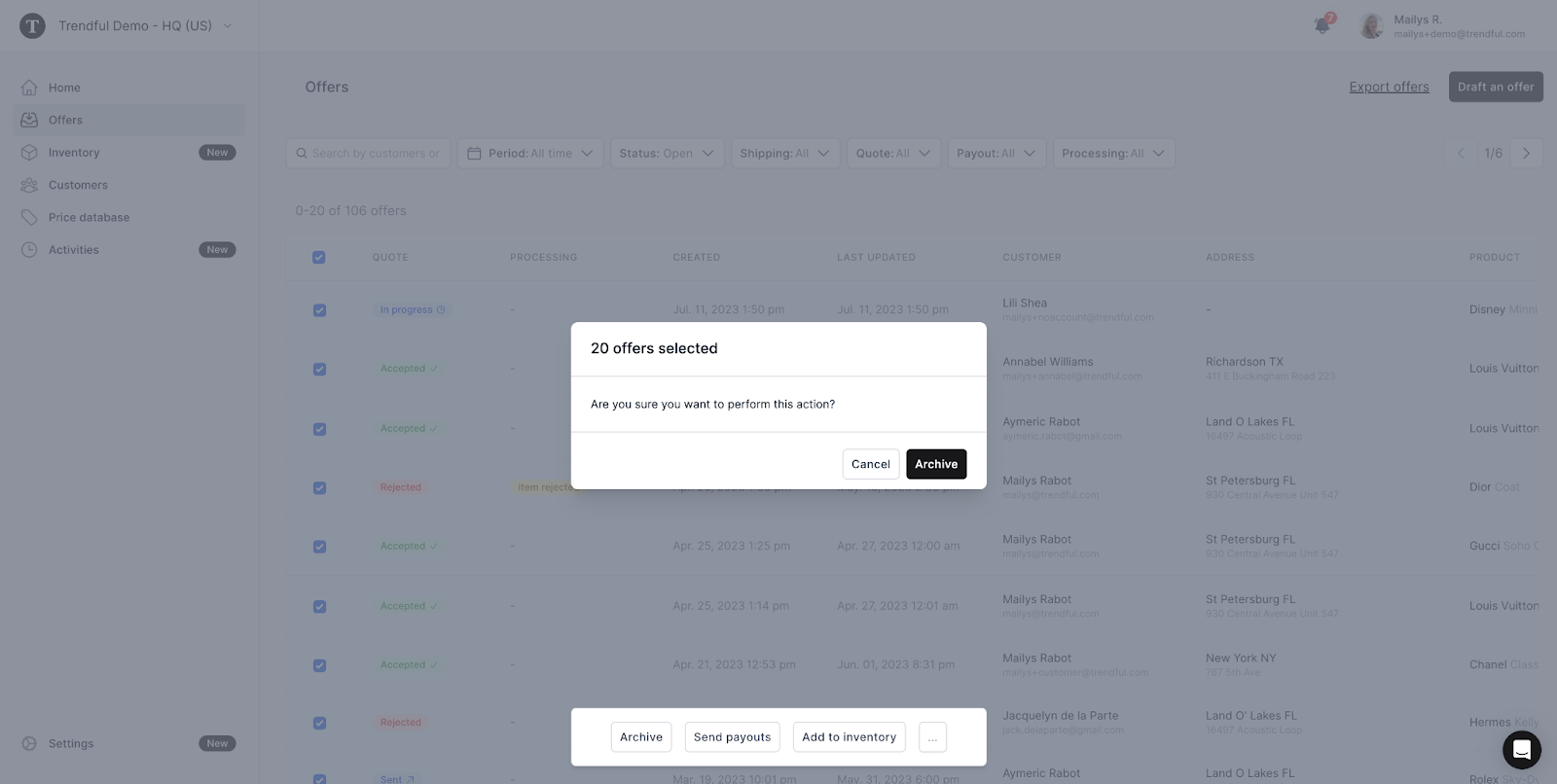
You can manage your offers in bulk by selecting the offers you wish to manage from your dashboard and choosing the desired action - archive, unarchive, send payouts, add to inventory, or mark as accepted, expired, delivered or paid - from the bulk action menu.
You can search or filter your offers before making a selection for bulk actions. However, remember that changing the page will reset your selection. This also means you can select up to 20 offers at once.
More about Offer Management System
Still stuck? Get in touch or browse all 144 answers.