Can I update a shipping label?
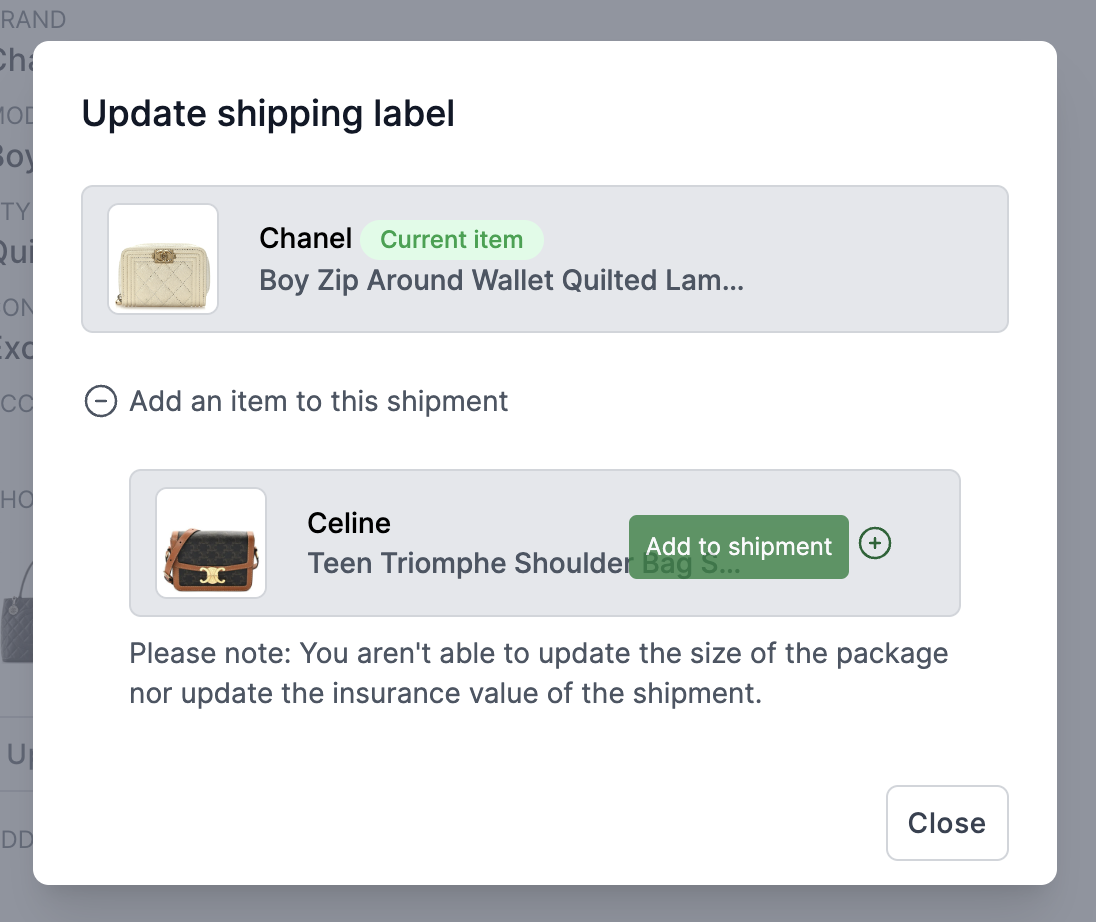
You can add and remove items from a package after it has been created, but you cannot update the package size or insurance coverage once it has been created.
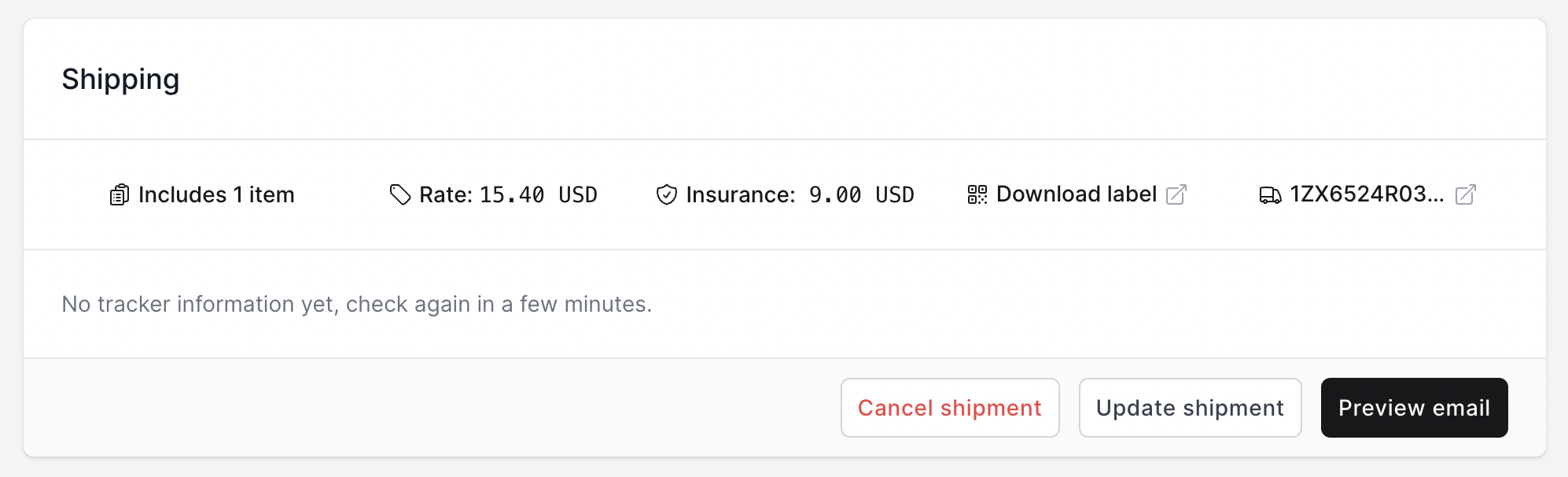
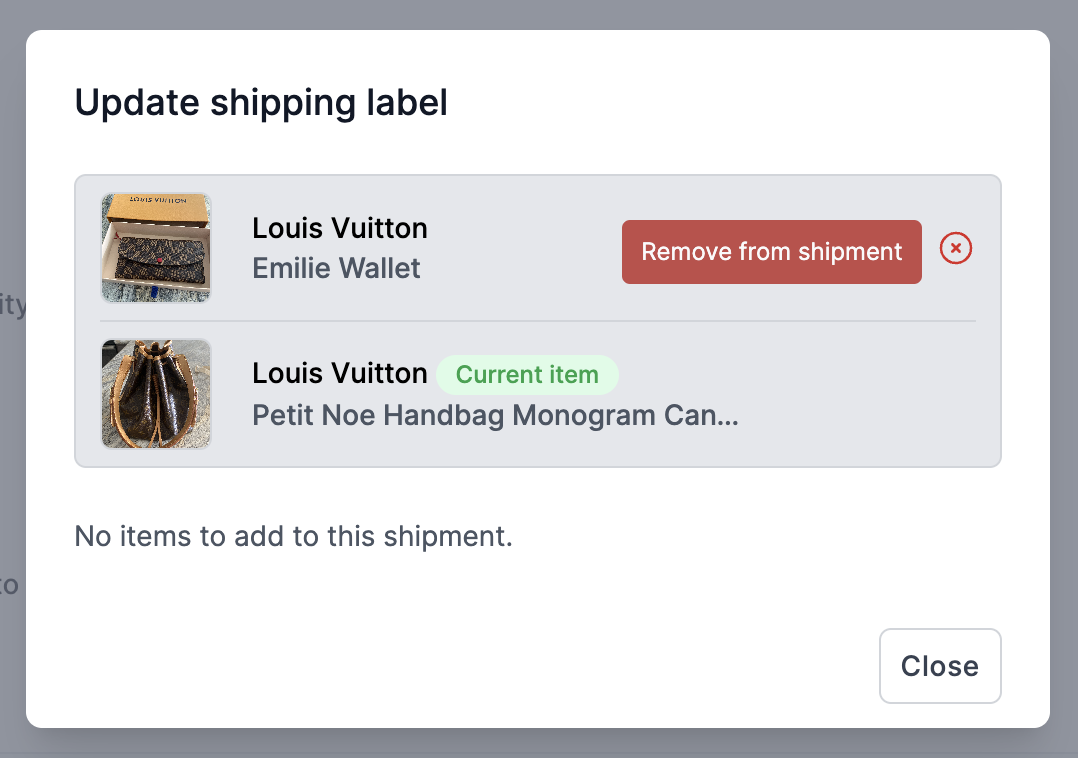
To add or remove, you can simply click on "Update shipment" in the Shipment section of one of the items in the shipment. You can remove items from the shipment by clicking on the "Remove" button next to the item you want to remove. You can add items to the shipment by clicking on the "Add item" button and selecting the item you want to add.
If you need to update the package size or insurance coverage, you will need to cancel the label and create a new shipping label.
More about Trendful Shipping
- Can customers get shipping labels from their Resale App account?
- Can I export my shipping label statements?
- Do I have to use Trendful shipping?
- Do I pay for the shipping, if the item hasn’t been shipped?
- How can I add my shipping address to receive items at my location?
- How can I see a breakdown of my shipping costs?
Still stuck? Get in touch or browse all 144 answers.