How can I add my shipping address to receive items at my location?
Once you log into your admin account, click on “Settings” at the bottom left-hand corner.
Next click on “Shipping” in order to add your receiving locations. (See image example below)
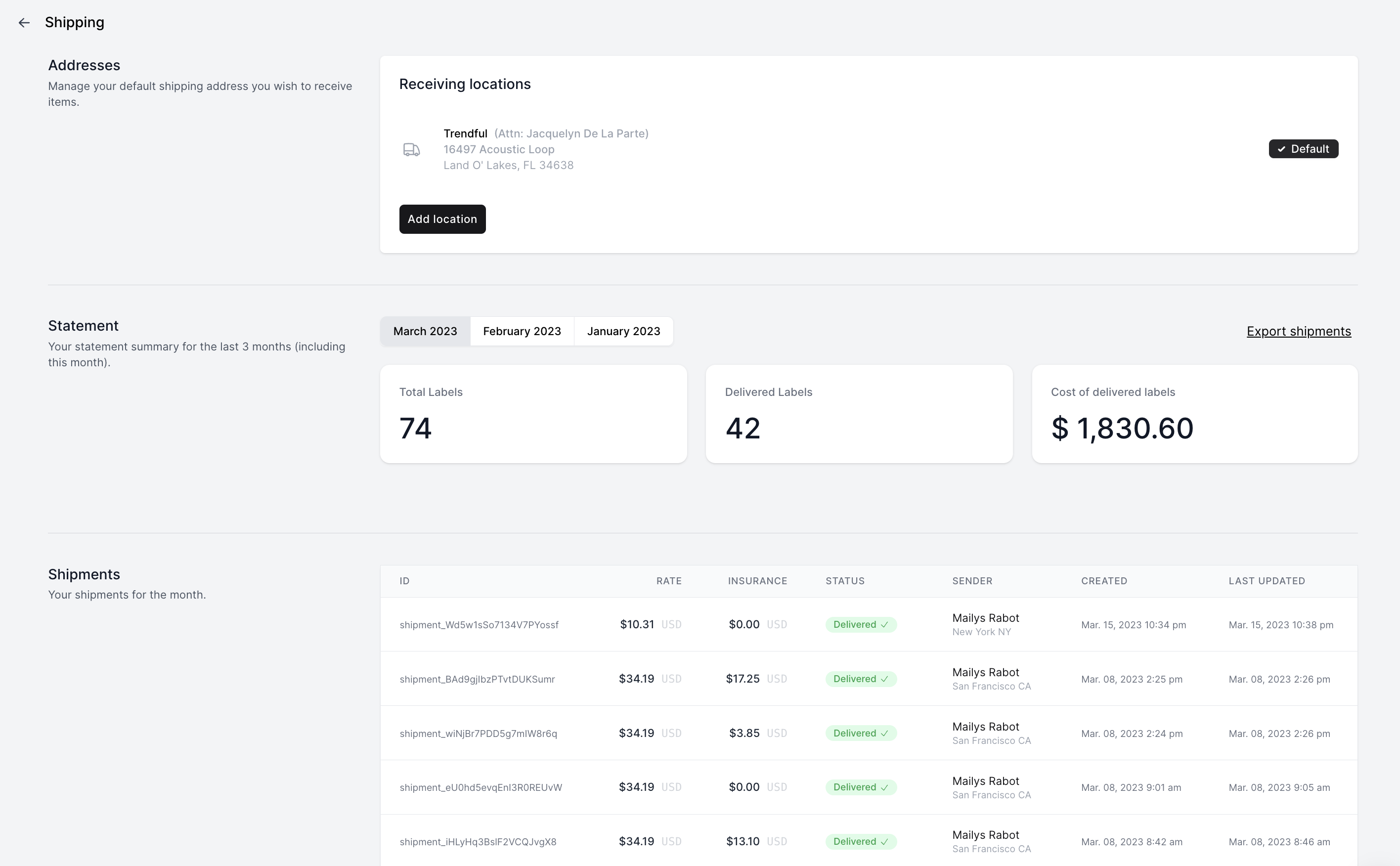
You can add more than one physical receiving location. The location marked as “Default” is where shipping labels will be automatically generated when customers create their own labels, if you have turned on Self-serve shipping labels in Settings → Preferences → Shipping.
More about Trendful Shipping
Still stuck? Get in touch or browse all 144 answers.