How do I access my customer information?
You can access your customers’ information that are selling their pre-owned items to you through your Trendful Admin account. Simply click on “Customers” to access the CRM.
At first glance you can see the following:
- The contact first and last name
- Address
- Date the customer information was created
- Date the customer information was updated
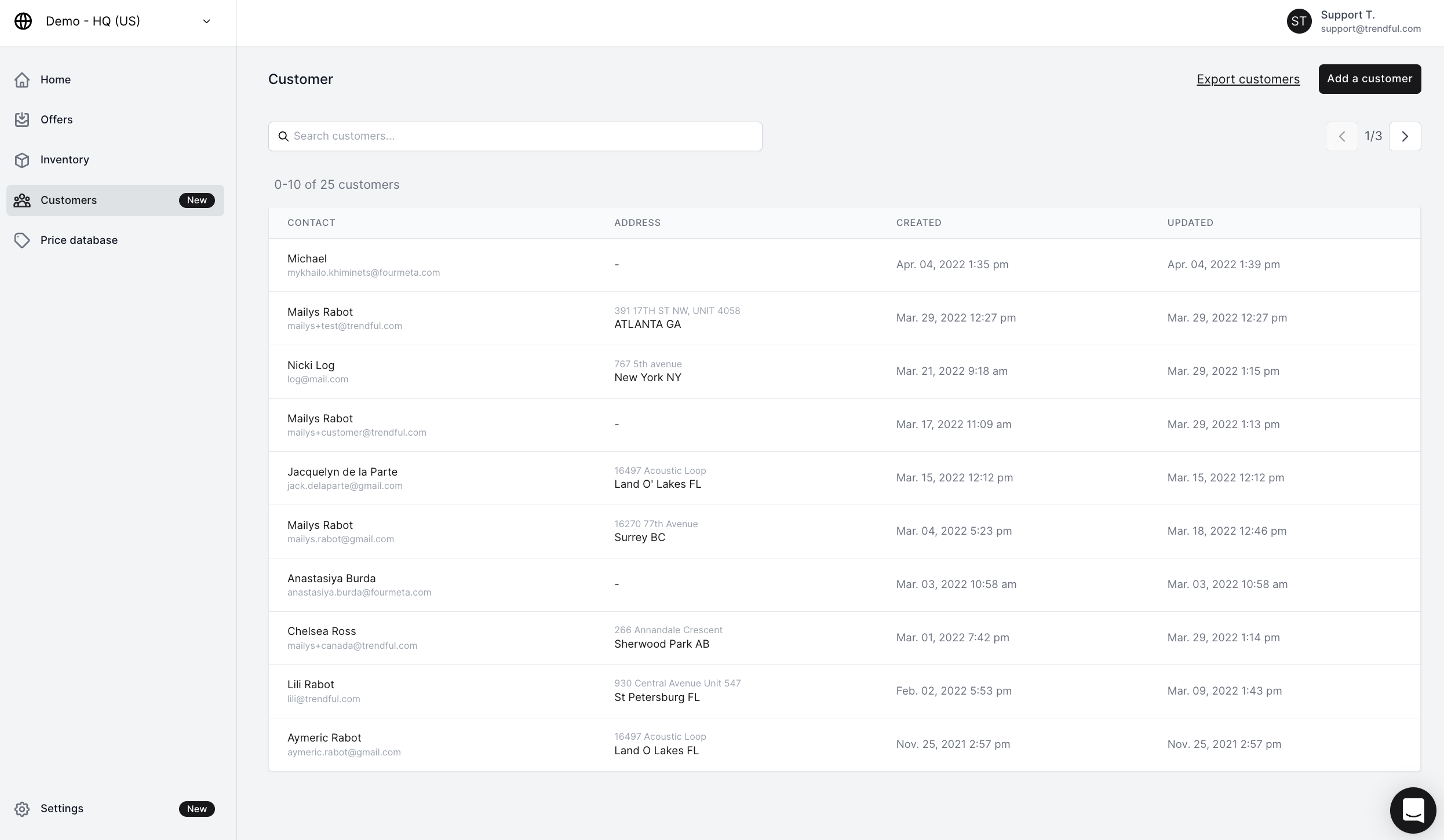 Other actions you can take on the customers overview page:
- You can search by customer name
- At the top right corner you can export your customer information to a csv
- You can also click “Add a customer” at the top right corner to manually add customers to your CRM
Simply click on a specific customer name to have more detailed information.
More about CRM
Still stuck? Get in touch or browse all 144 answers.