How do I add/edit a customer’s payout methods myself?
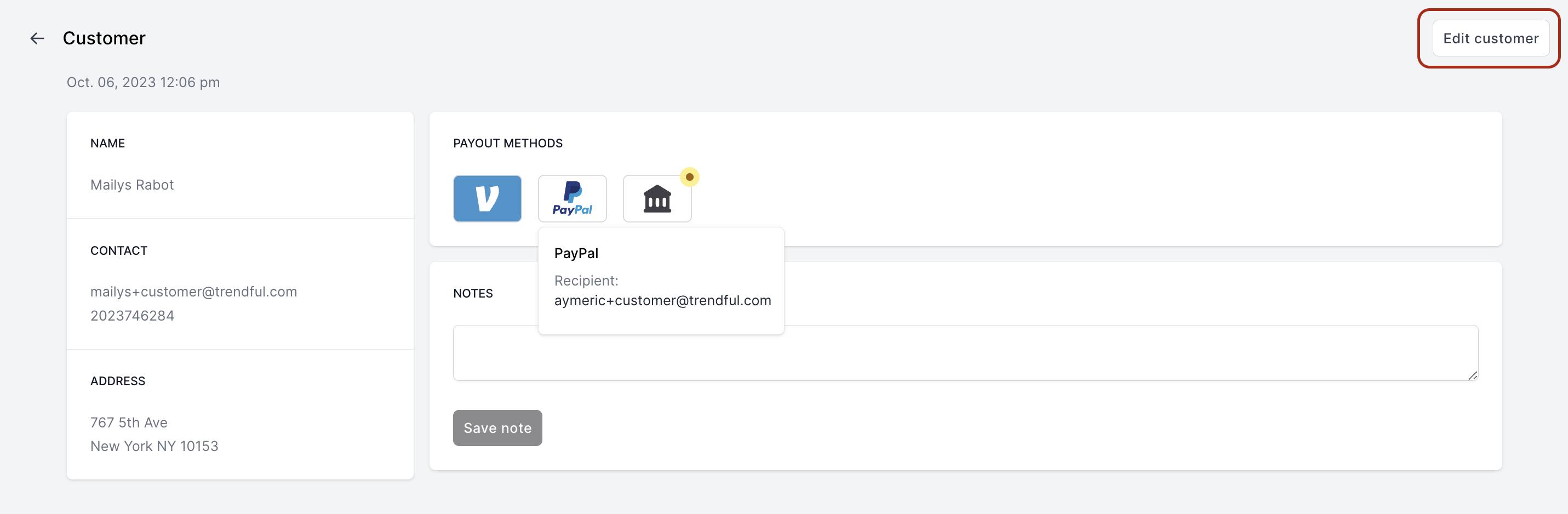
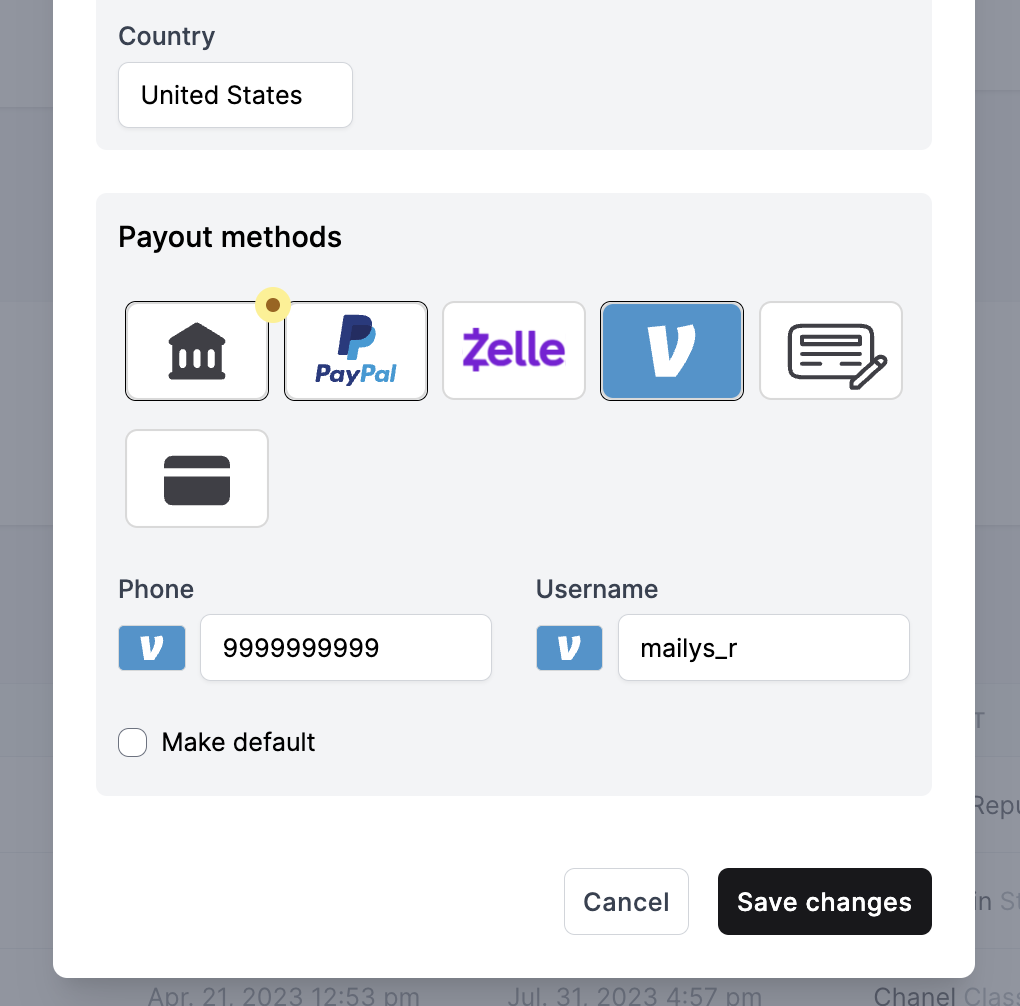
To manually input the payout method details of a customer, visit their profile within your CRM. In the Payout Methods section, you'll see the payout methods that have been added, along with their recipient details. To add, edit, or remove payout methods, click on ‘Edit Customer’. Once you've made your changes, click ‘Save’.
More about CRM
Still stuck? Get in touch or browse all 144 answers.