Can I cancel a payout?
You can cancel any initiated payouts (those that have been started but not yet sent). Additionally, if a sent PayPal payout hasn’t been claimed (i.e., the recipient hasn’t created a PayPal account to collect their payout), you can cancel that too. If a payout remains unclaimed for 30 days, PayPal will automatically refund the money.
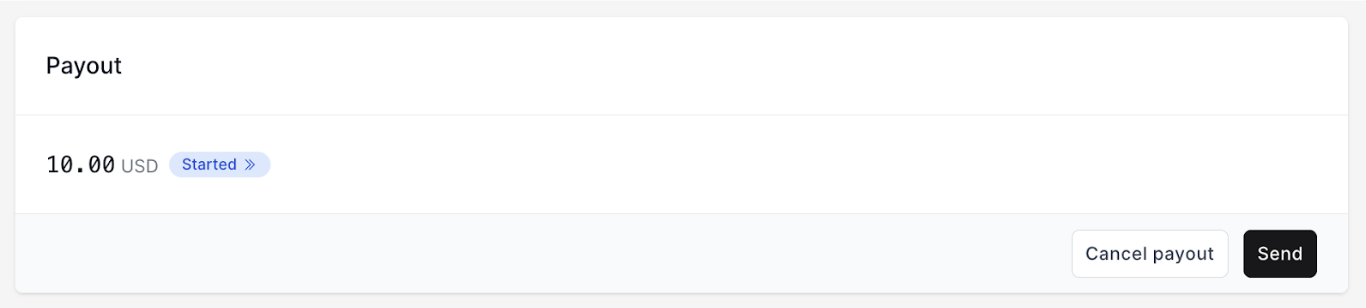
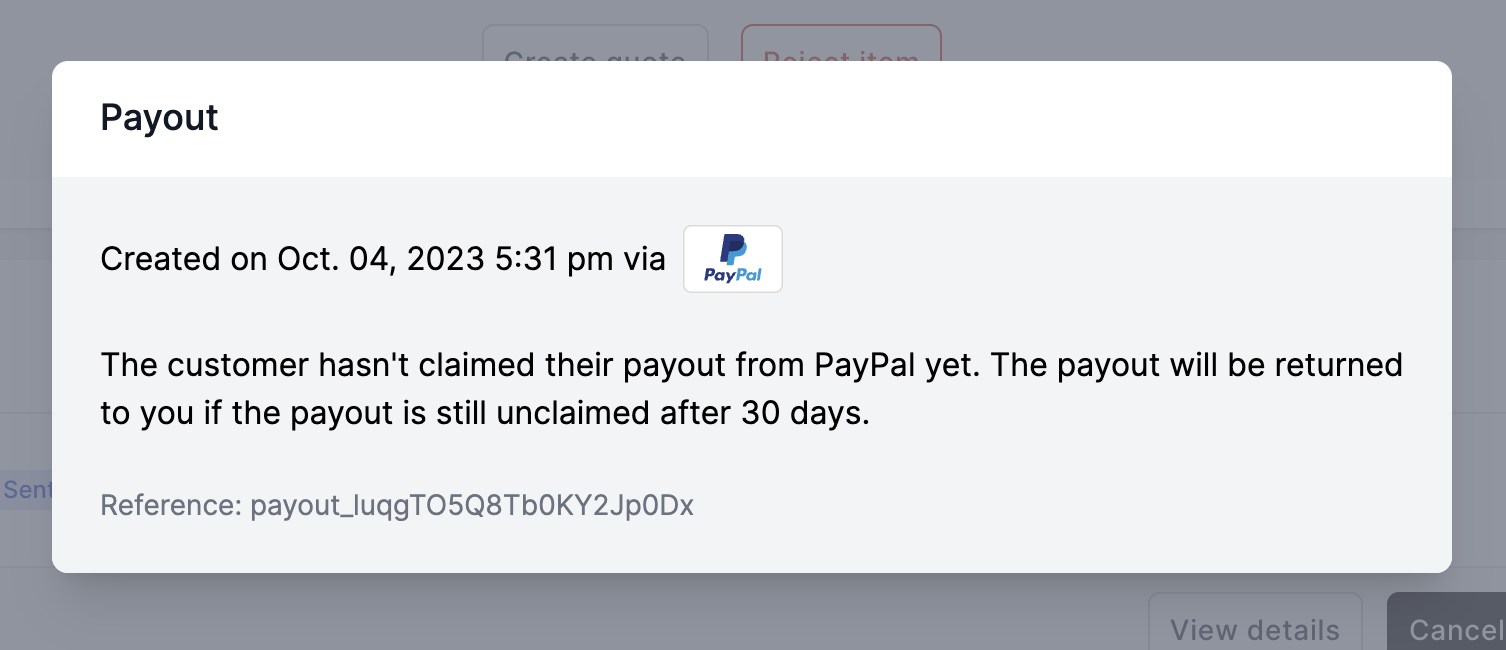
To cancel a payout, navigate to the offer with the payout to cancel and scroll down to the Payout section. Then click ‘Cancel payout’. If you do not see the button ‘Cancel payout’ that means you are not able to cancel the payout.
If you need help don’t hesitate to contact support@trendful.com.
More about Trendful Wallet
- Can I export my payout statements?
- Can I send payouts even though the customer hasn’t added their payout method yet?
- How do I connect my PayPal Wallet with Trendful?
- Do I have to use Trendful payouts?
- I don’t have a PayPal Business account, can I send PayPal payouts?
- How do I add my bank account to my admin account?
Still stuck? Get in touch or browse all 144 answers.