Can I require customers to add their payout details before they accept an offer?
Yes. In Settings > Preferences > Payouts, turn on Require a payout method before customers accept a cash offer. Customers then add how they want to be paid before they can accept a buyout or consignment offer in your Resale App, so your payouts are not held up waiting on their details. Store credit offers are not affected.
What your customers see
When a customer picks a cash option and has not yet added the payout details you need, the Accept button sets them up first:
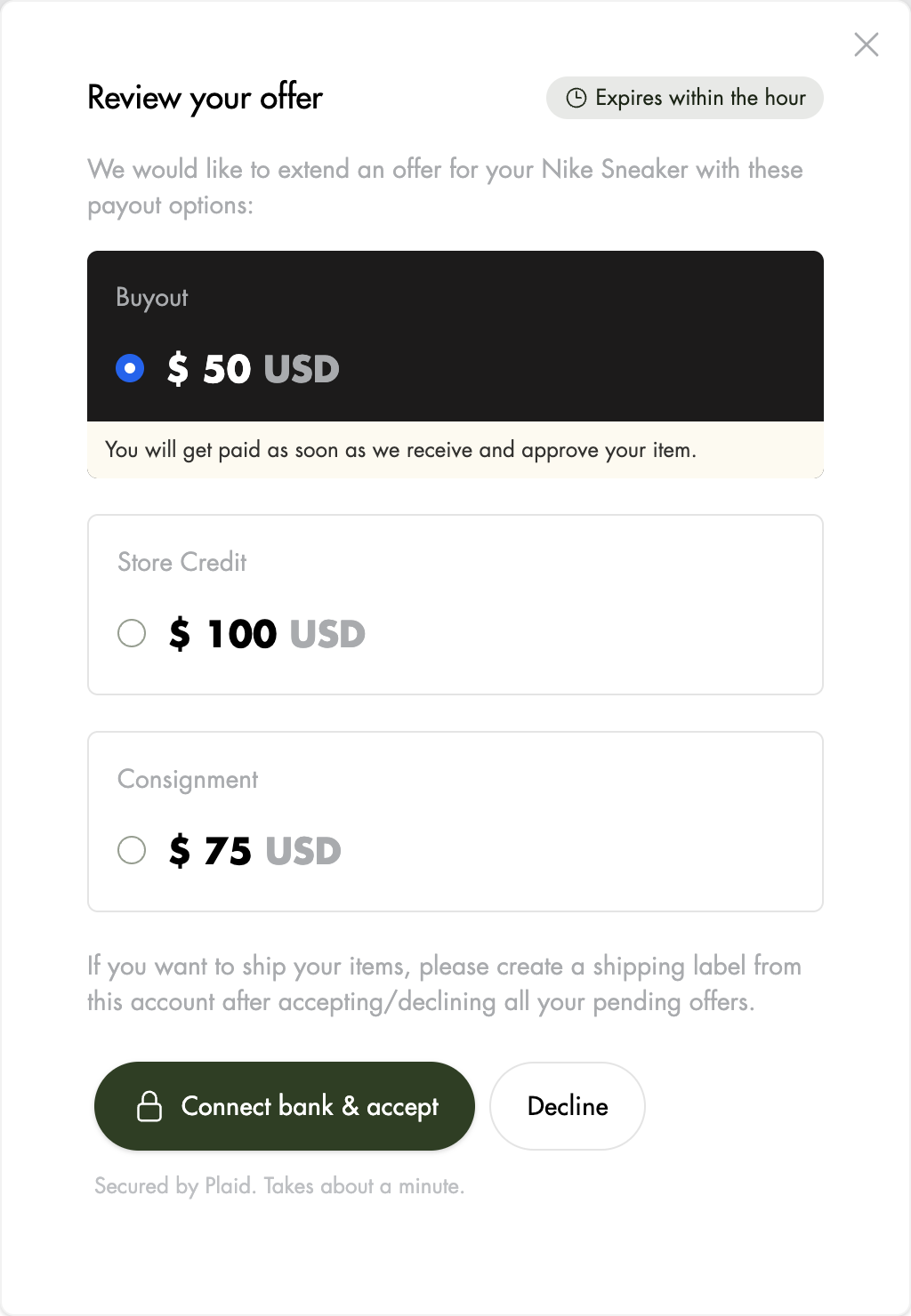
- Bank transfer: if Trendful sends your bank transfer payouts, customers connect a bank. The button reads Connect bank & accept and opens Plaid to connect their bank securely. In the US, if they cannot log in to their bank, they can enter their routing and account number in the same window and confirm it with a small deposit. They can accept while that deposit is on its way.
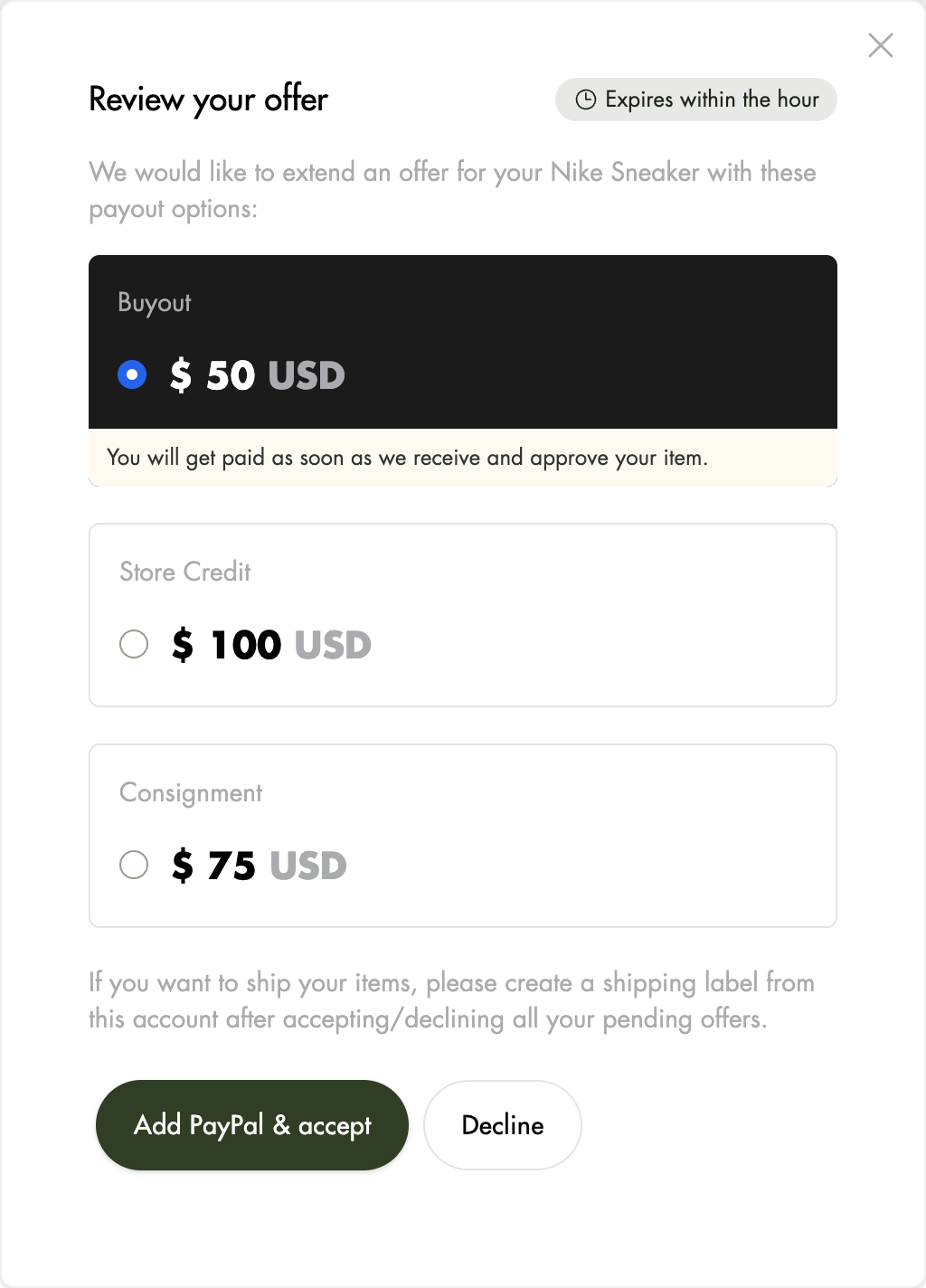
- One other payout method, such as PayPal: if you pay customers another way, the button reads Add PayPal & accept and opens a short form for their PayPal details.
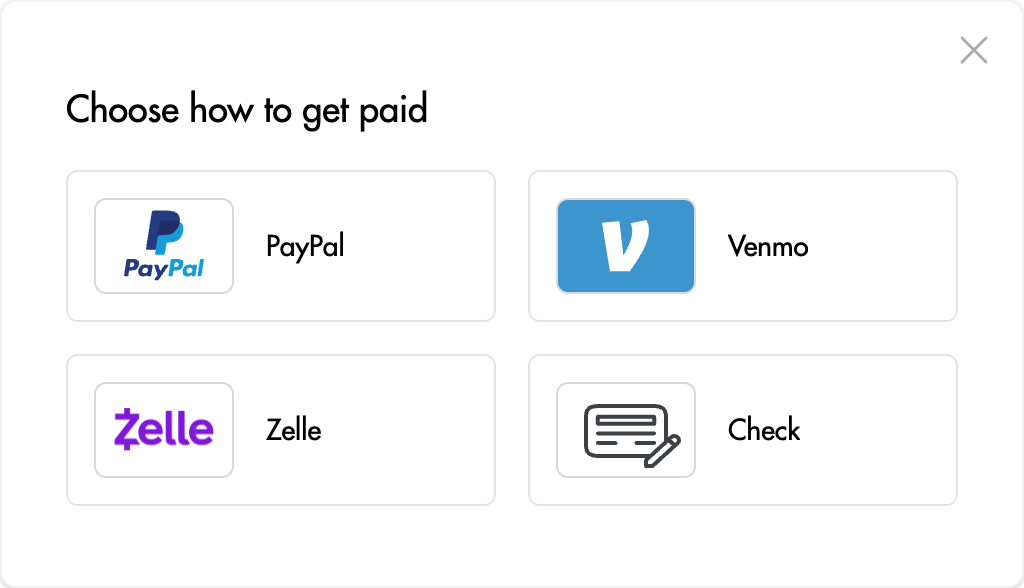
- Several payout methods: the button reads Add payout details & accept and first lets them choose how to get paid.
Once their details are saved, the offer is accepted. If they close the window without finishing, nothing is accepted and they can try again. Customers who already have the payout details you need, or who choose store credit, see the usual Accept button.
Good to know
- If you send bank transfers yourself, outside Trendful, customers are not asked to connect a bank, since you would only see the last digits of their account. They add one of your other payout methods instead, or accept as usual if bank transfer is your only method.
- Customers can still remove their details after accepting, so this reduces payout delays but does not remove them entirely.
- Some customers may not want to share banking details that early. Keep an eye on your acceptance rate for a few weeks after turning it on.
More about Resale App & Form
Still stuck? Get in touch or browse all 156 answers.