How do my customers connect their bank account to receive payouts?
Customers can connect their bank account securely through the Resale App using Plaid technology. In "My account", they can select "Connect bank account" and follow these steps:

- Choose their bank institution from the Plaid pop-up
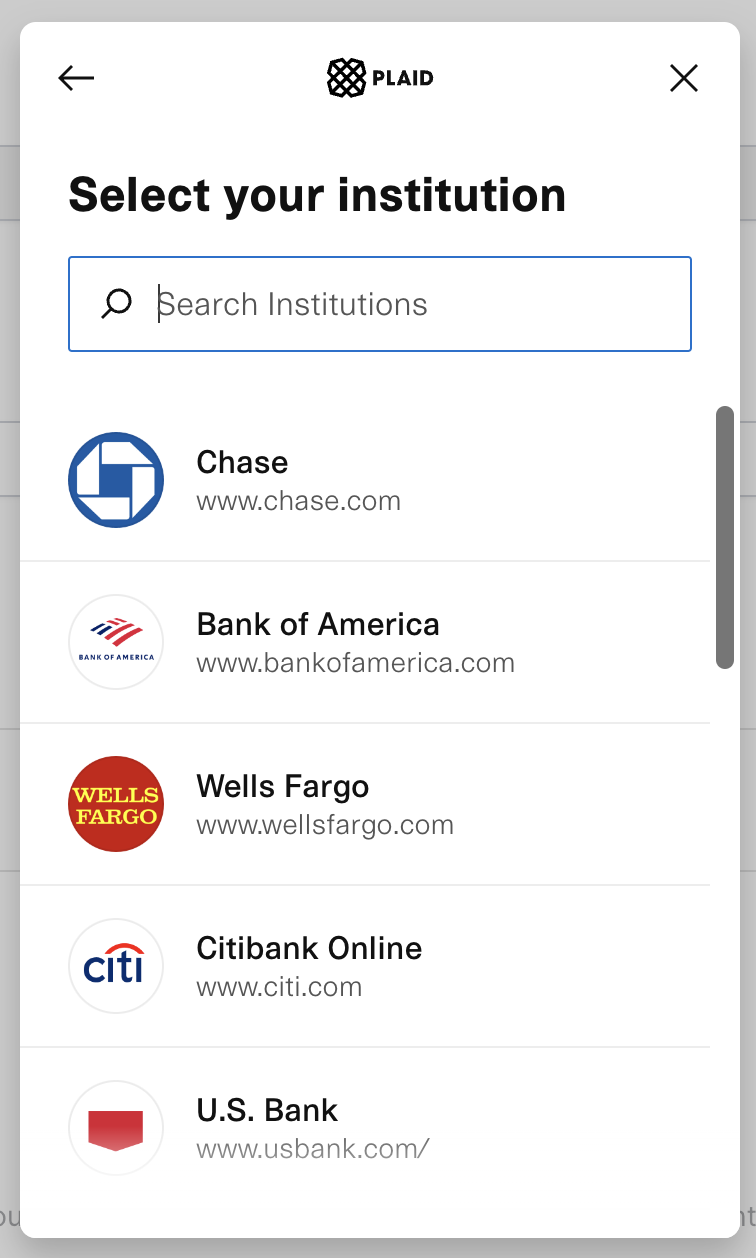
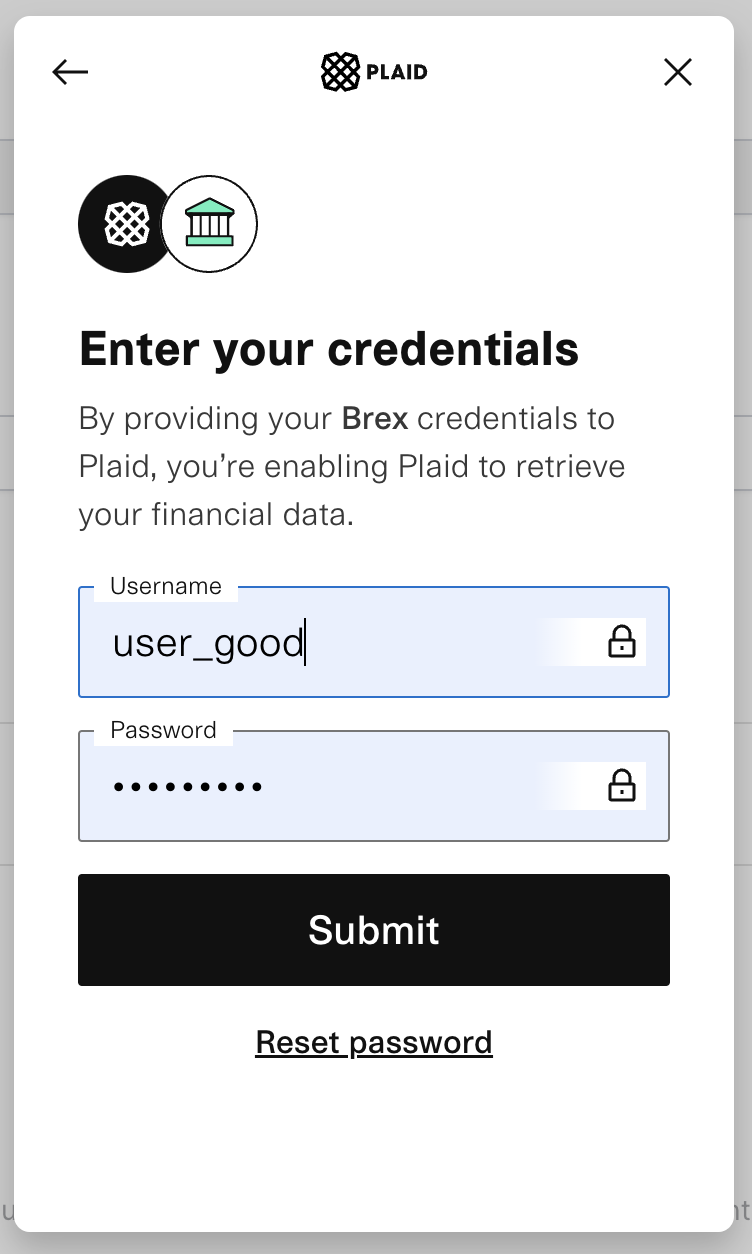
- Enter their online banking credentials and click "submit"
- If required by their bank, verify their identity with a code sent to their phone or email and select the account for payouts.
Plaid supports most bank institutions and accounts in the US. If customers cannot connect their bank account using Plaid, they can click "Connect manually" and enter their bank account information instead.
More about Resale App
- Can customers see the status of the item(s) they are selling?
- Can I choose to provide manual quotes only?
- Can my customers see their past/current offers?
- Can my customers view their past and/or incoming payouts?
- Does photo recognition use my sellers' photos for training?
- How can I help a customer who can't log in?
Still stuck? Get in touch or browse all 144 answers.