What is the Resale App like from a customer’s perspective?
The Resale App is included on the Pro and Enterprise plans. Depending on your company’s customization, some aspects of your Resale App could be different than the process described below.
This is how the Resale App could look for your customers:
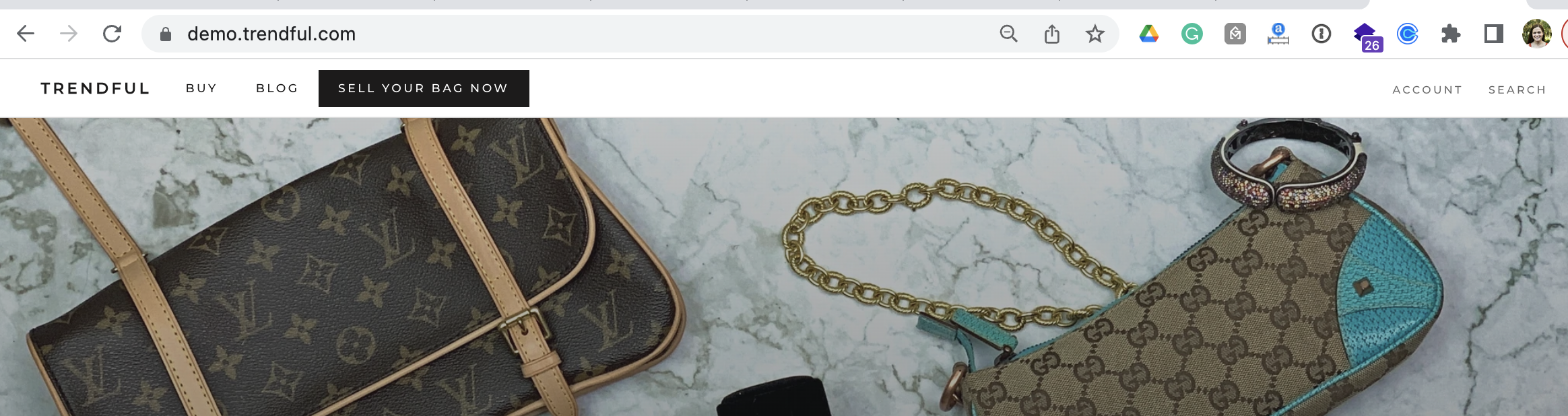
- On your website your customers will click on a button of your choosing (something like “Sell your item”, “Sell now” or “Consign now”)
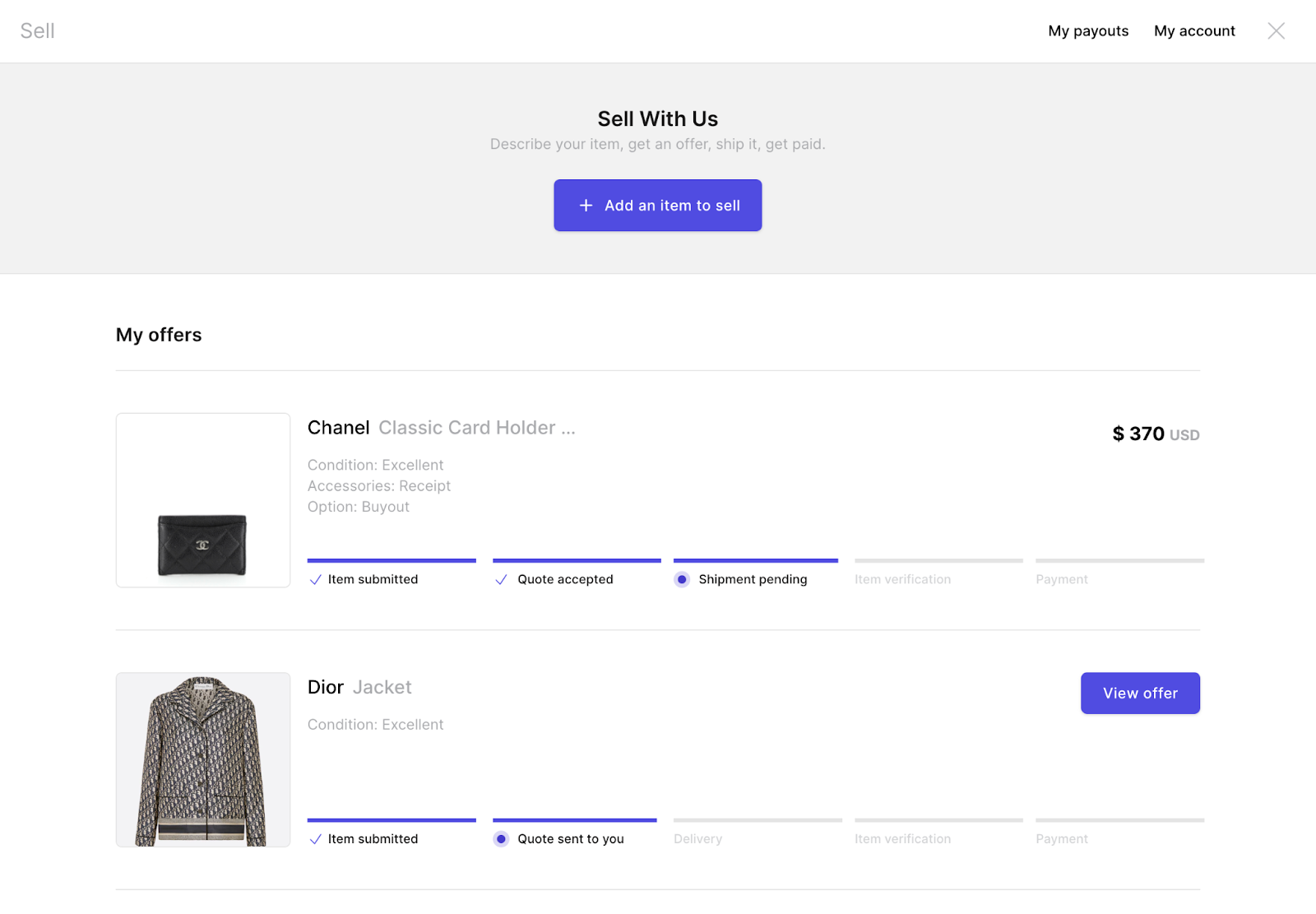
- The app will popup, if they have an account and are logged in the app will show your customers’ past/current offers
-
If your customer has never sold to you before this offer page will be blank
-
To sell an item your customer simply needs to click the button “Add an item to sell”
-
Next depending on your business’ Resale App customization, customers will be able to select which category they wish to sell
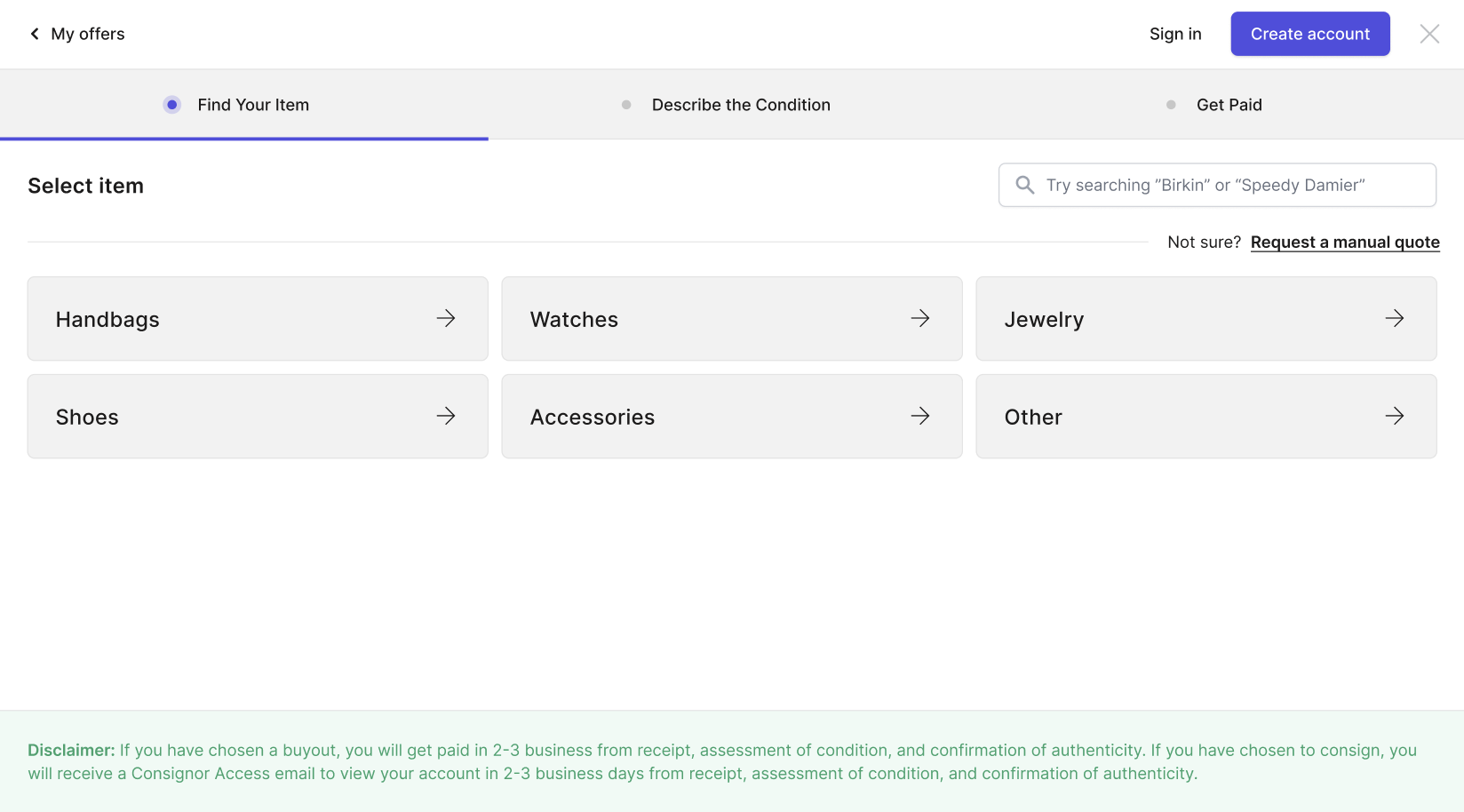
- They will be prompted to find their item: they can search for it or pick the brand and model step by step
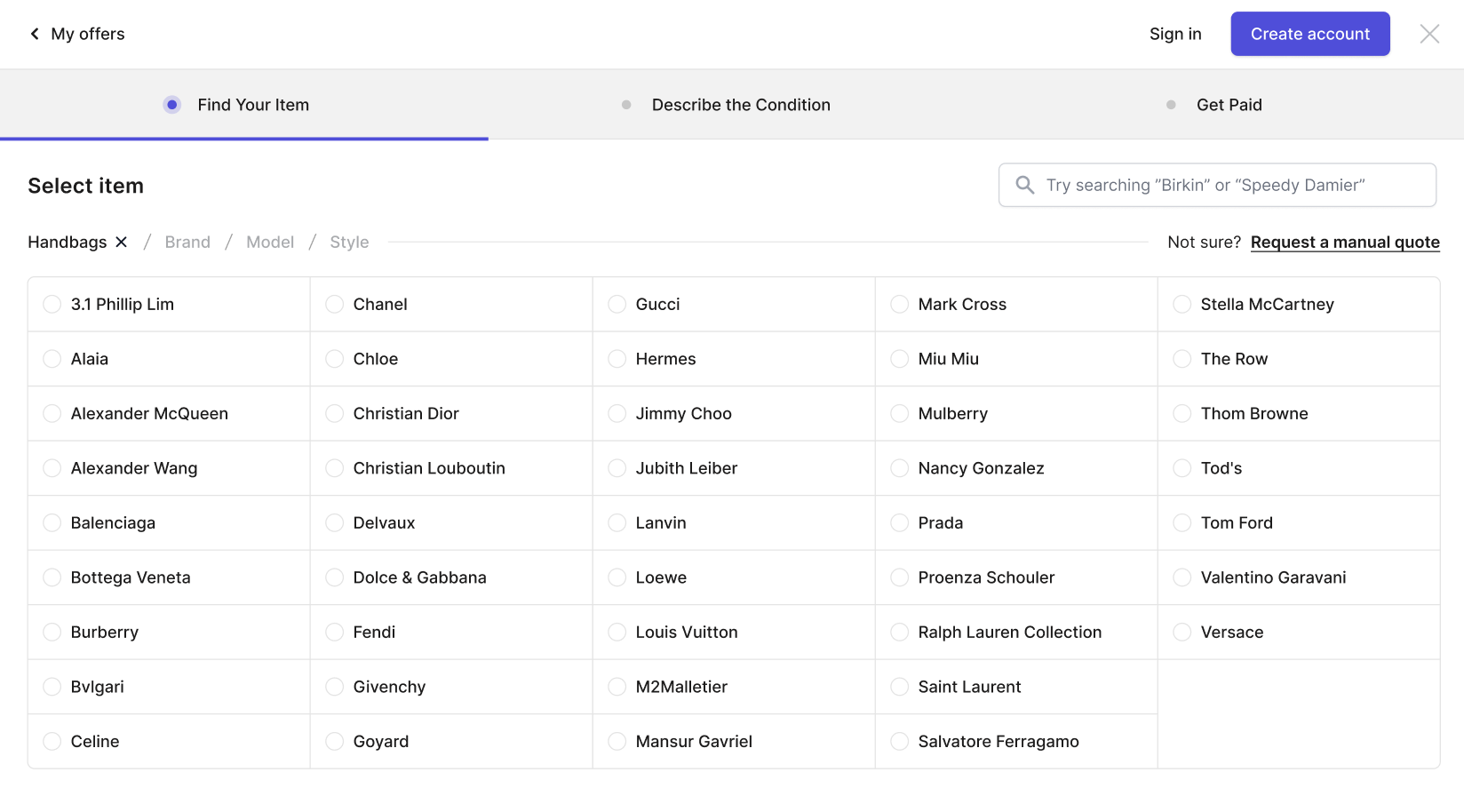
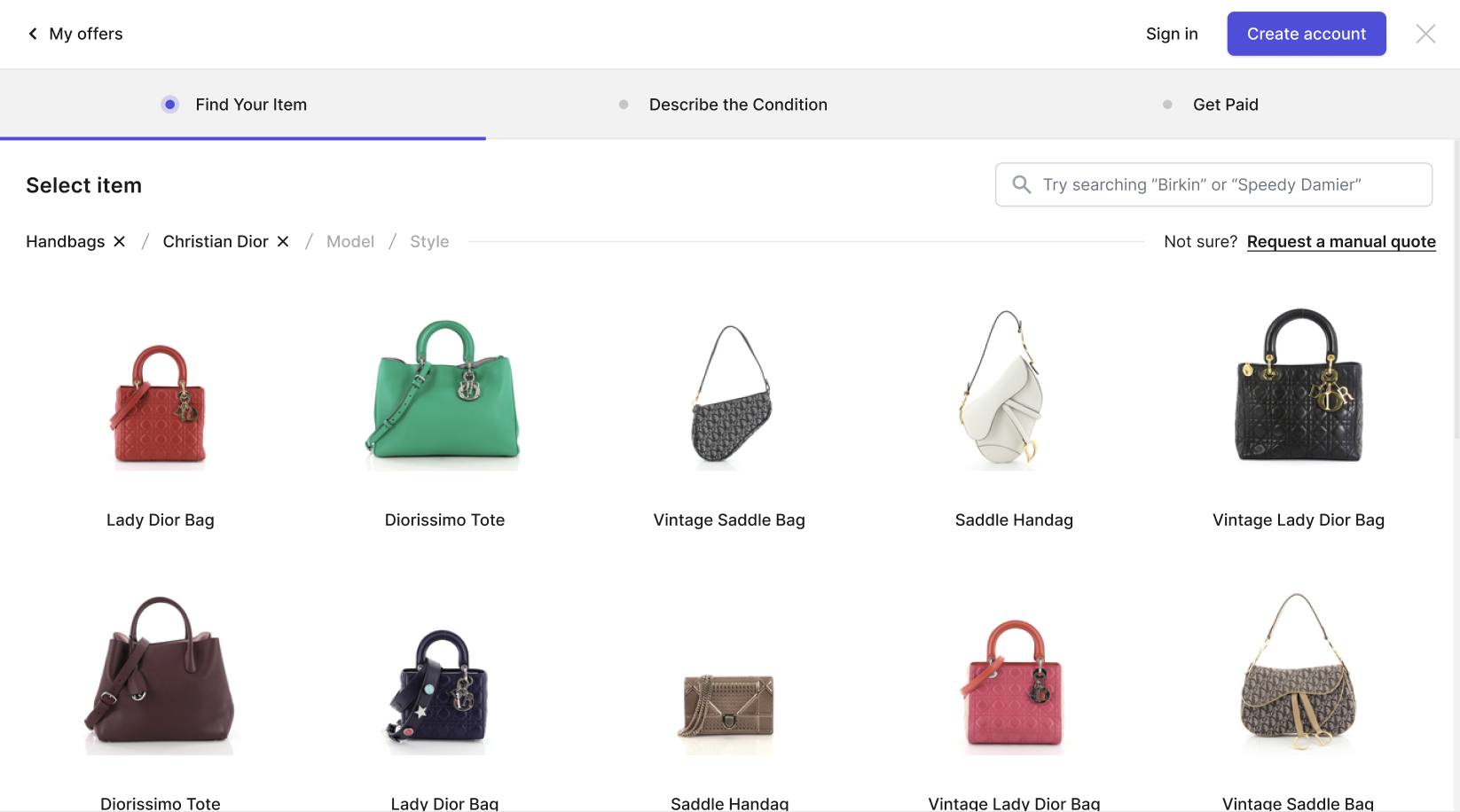
*If they can’t find their item, they can request a manual quote instead, with the brand, model, photos and details.
- Next, they will be prompted to describe the condition, add any accessories, and upload photos
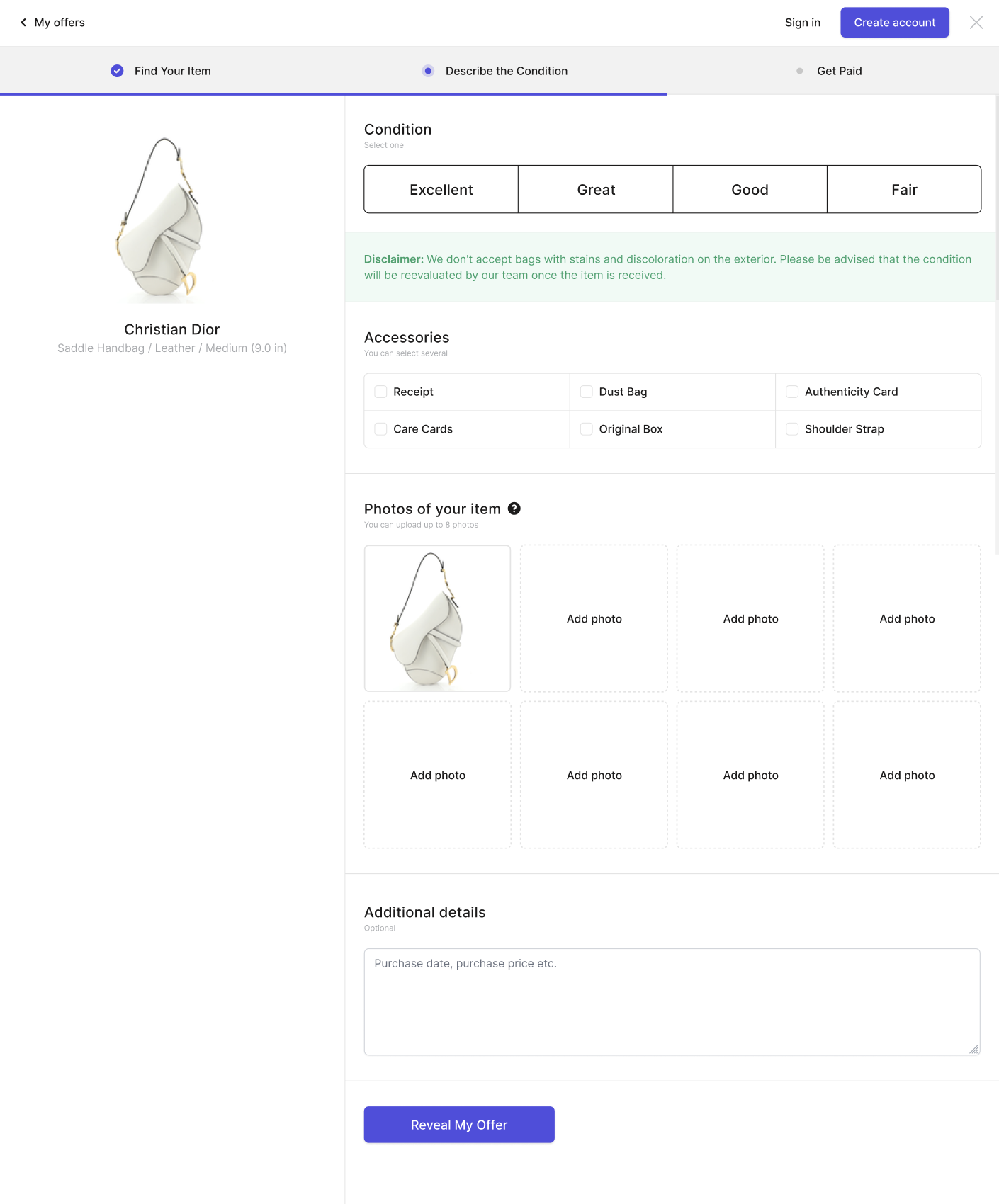
- Then they will receive an offer (which can be instant with prices displayed or a manual offer)
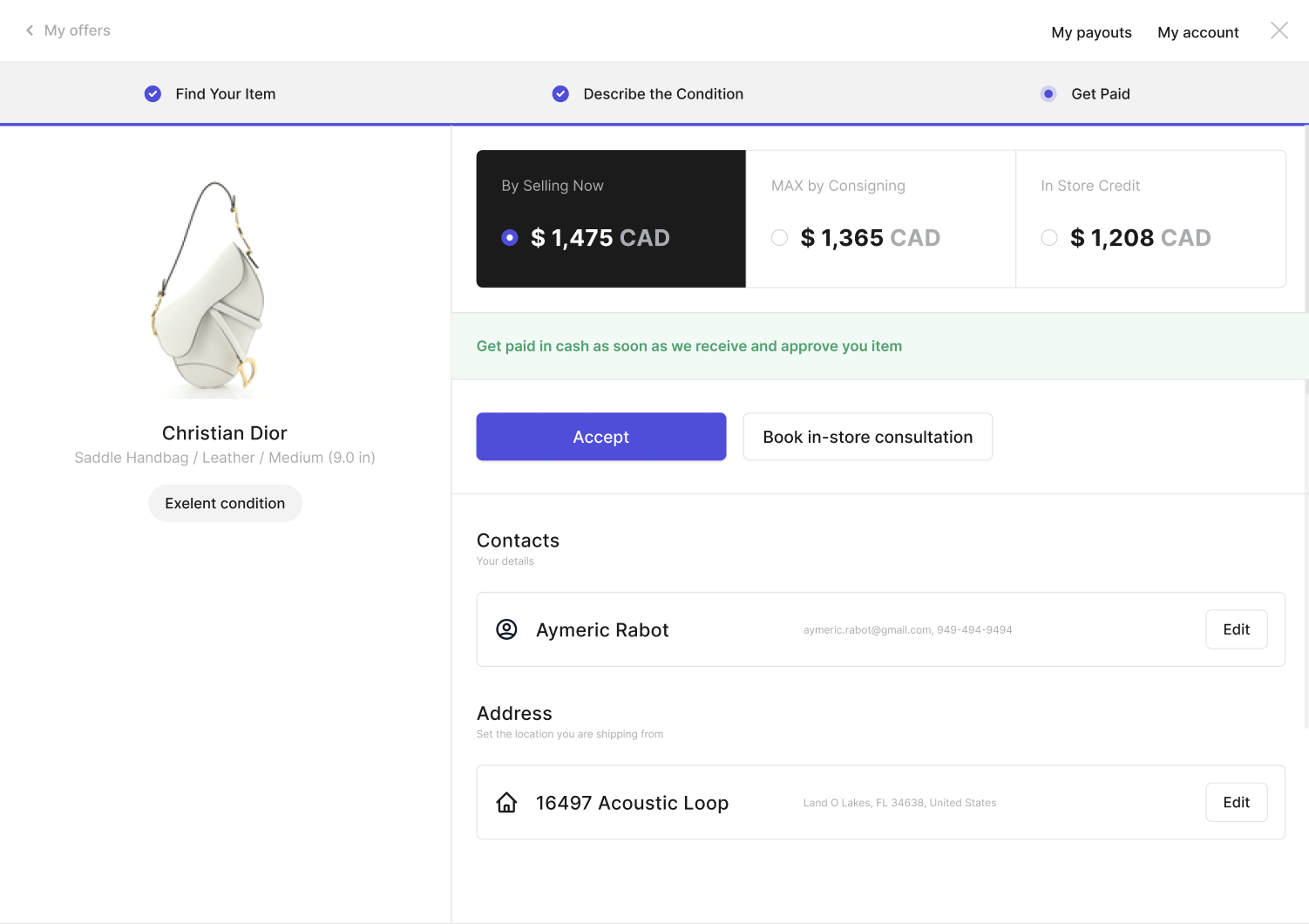
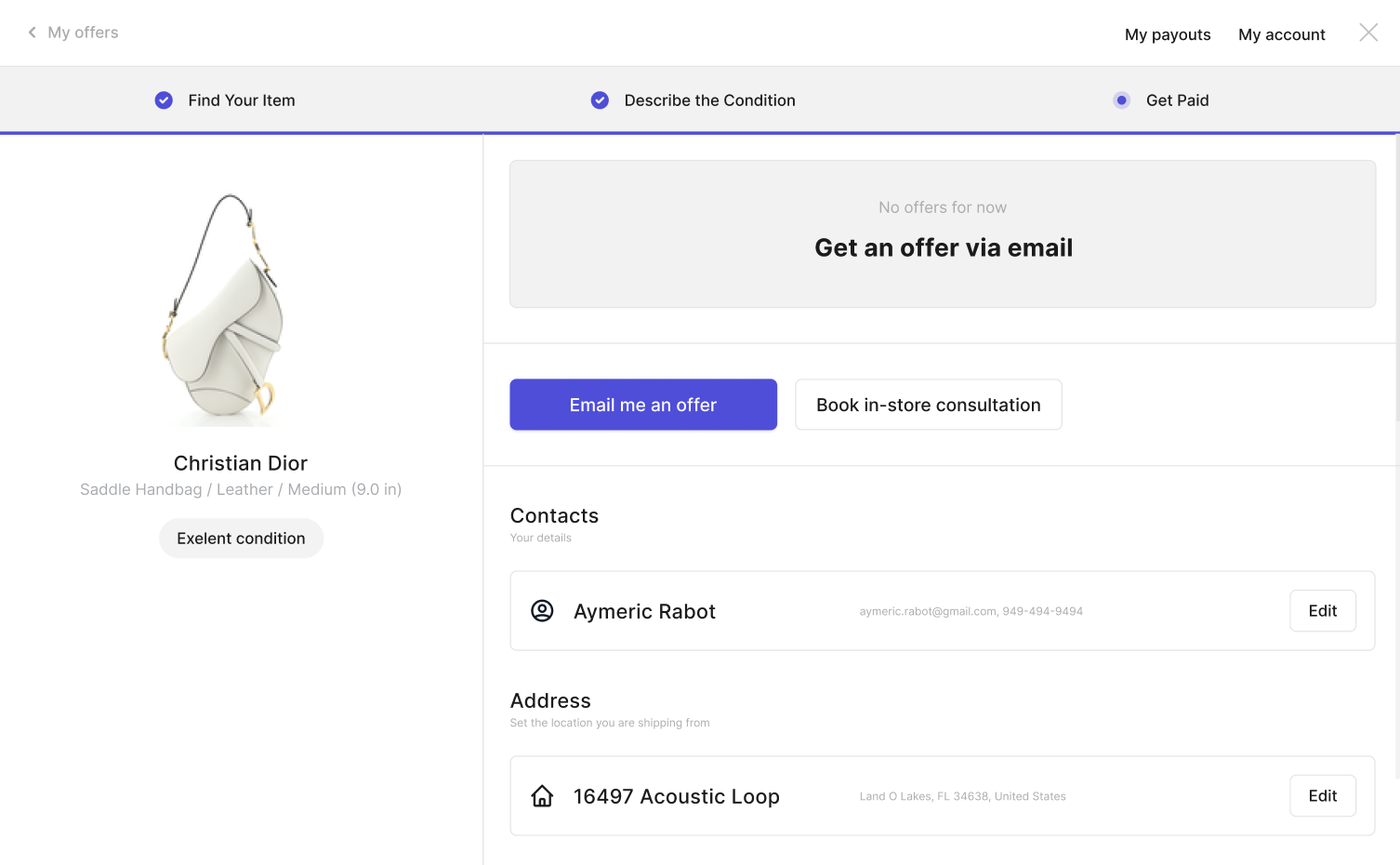
See how the resale app will look for your customers on our demo here.
Read more about the Resale App here.
More about Resale App
- Can customers see the status of the item(s) they are selling?
- Can I choose to provide manual quotes only?
- Can my customers see their past/current offers?
- Can my customers view their past and/or incoming payouts?
- Does photo recognition use my sellers' photos for training?
- How can I help a customer who can't log in?
Still stuck? Get in touch or browse all 144 answers.