How do I send a PayPal or Venmo payout?
First, make sure your PayPal Business account is connected in Settings → Payout wallet → External wallets (see this guide). Then:
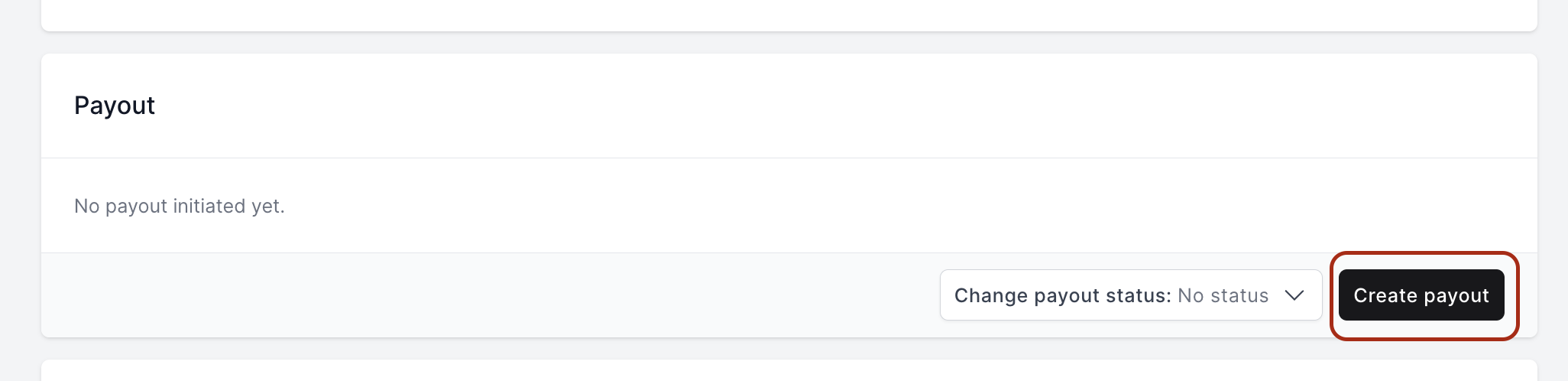
- Open the offer that's ready for payout. Scroll down to the Payout section and click Create payout.
- Choose PayPal or Venmo.
-
Check the customer's PayPal email or Venmo phone number. If they haven't added it yet, you can still create the payout: the customer gets a notification to add it, and the payout goes out once it's added.
-
Make sure your PayPal balance covers the payout plus the fee. If it doesn't, the payout fails. You'll be notified and can create it again once your balance is topped up. A single PayPal or Venmo payout can be up to $10,000.
You can also adjust the amount before sending.
- Click Send payout. If the customer has a PayPal or Venmo account, the money usually arrives within seconds to minutes. If they don't have a PayPal account, PayPal emails them so they can create one and claim the payout.
In your PayPal dashboard, you'll see two payments for every payout sent through Trendful: one to the customer and one to Trendful for the payout fee. The fee is 0.5% of the payout, capped at $10 on Launch and Pro, and $5 on Enterprise.
PayPal charges its own fee on top: $0.25 per payment for US domestic payouts, which works out to $0.50 per payout because there are two payments. Paying a customer whose PayPal account is outside the US costs more: 2%, capped at $20. See What does PayPal charge for payouts? for the full breakdown.
More about Trendful Wallet
Still stuck? Get in touch or browse all 144 answers.